Microsoft
2014 – 2015
Teamspace
Microsoft Teamspace is a chat-based application designed to improve and facilitate collaboration among your team members. The product was renamed to Teams when it was released in 2016.
Role
Visual language
Interaction patterns
Feature development
Intro
I participated in the early development of Microsoft Teams back in 2014 and 2015. The content shown here are early explorations of the product on both the visual and interaction side.
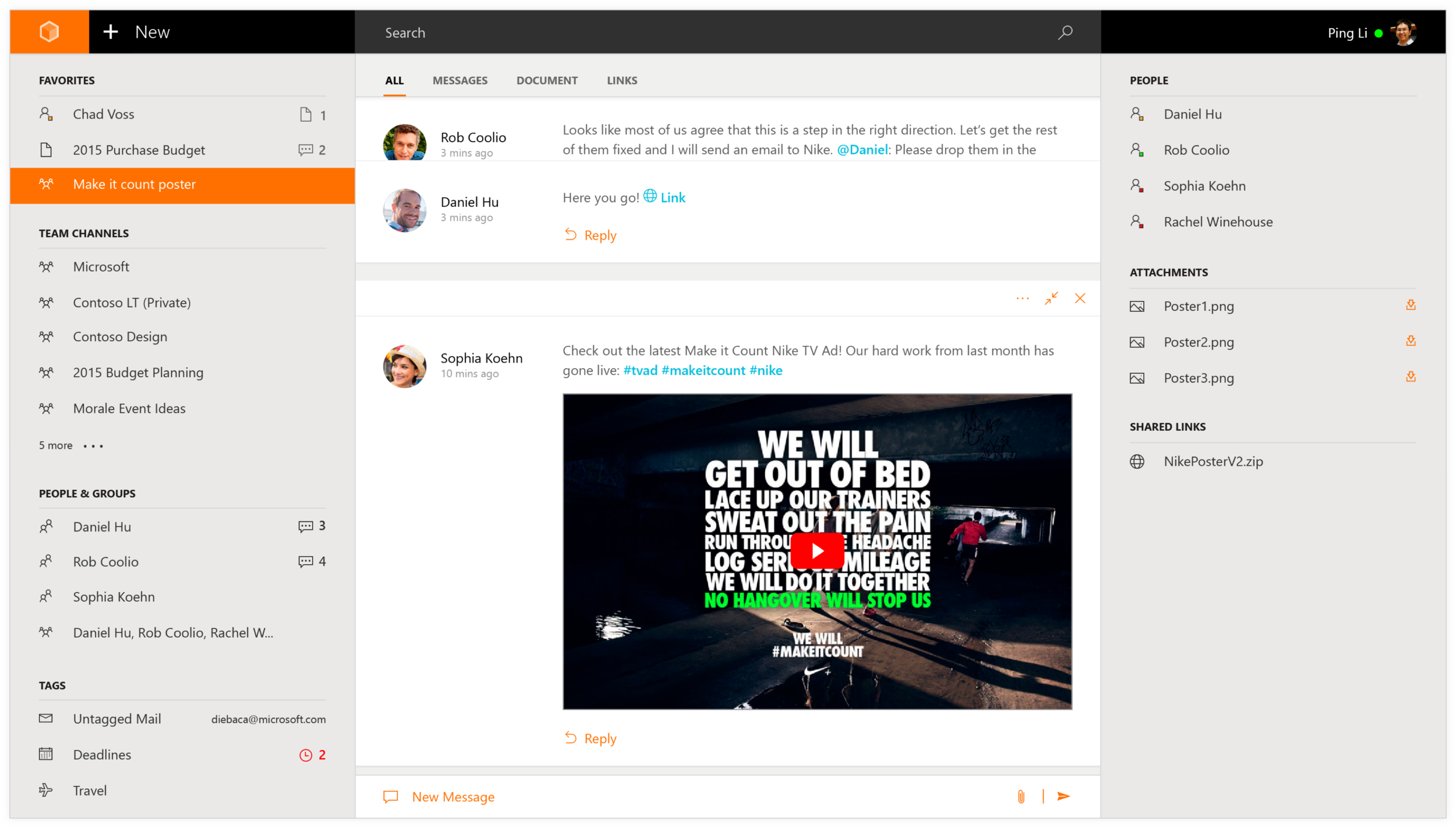
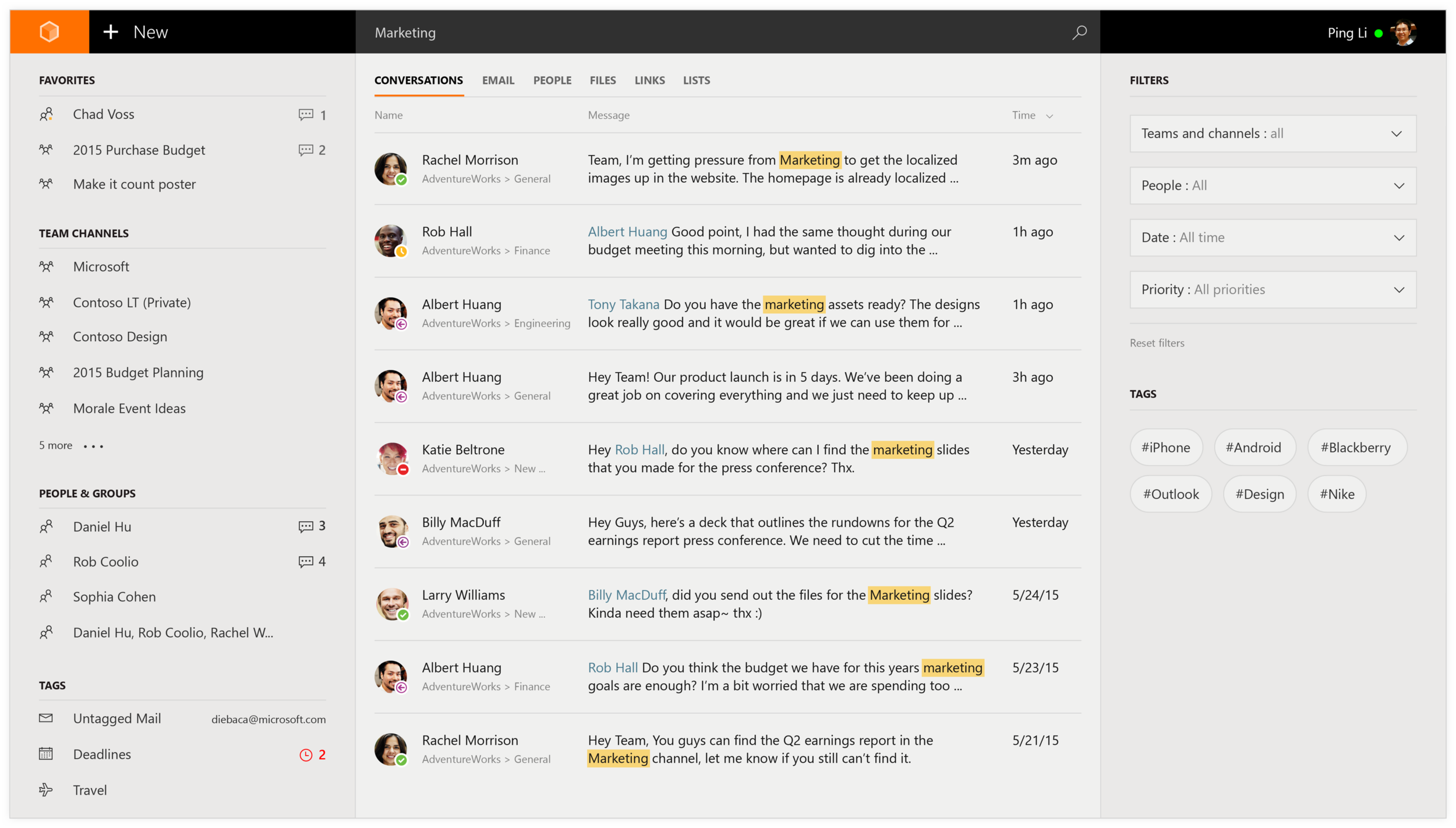
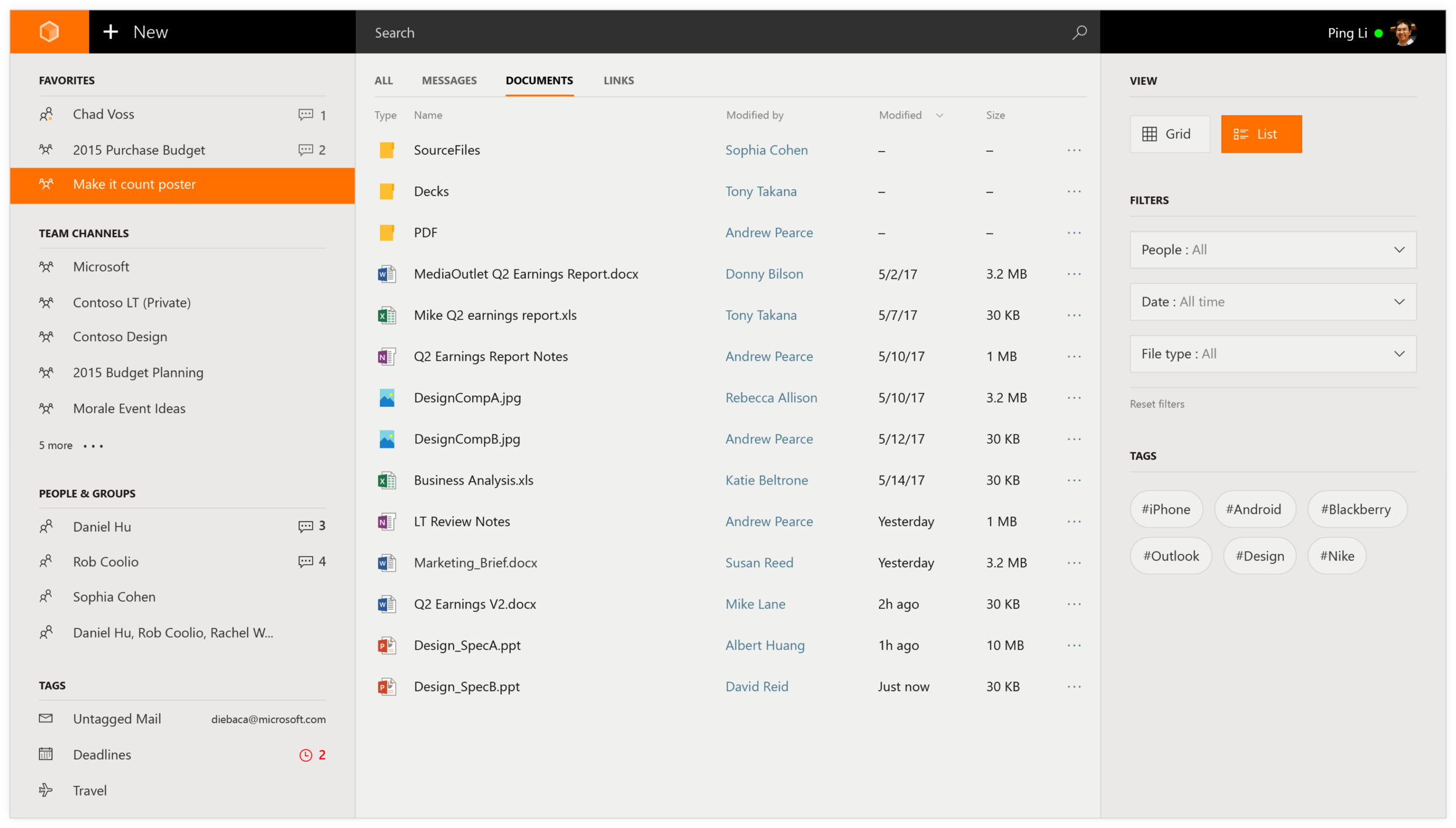
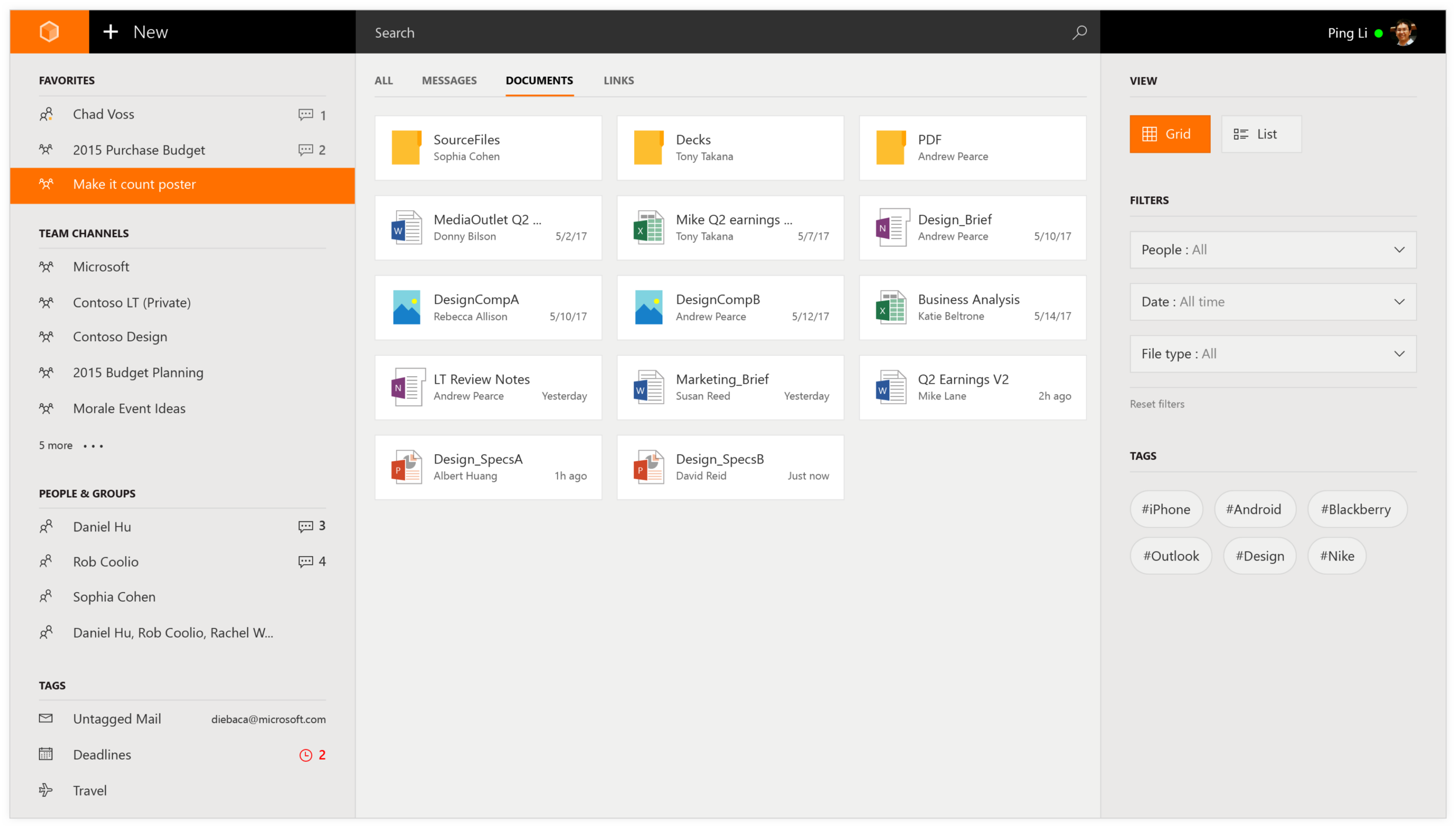
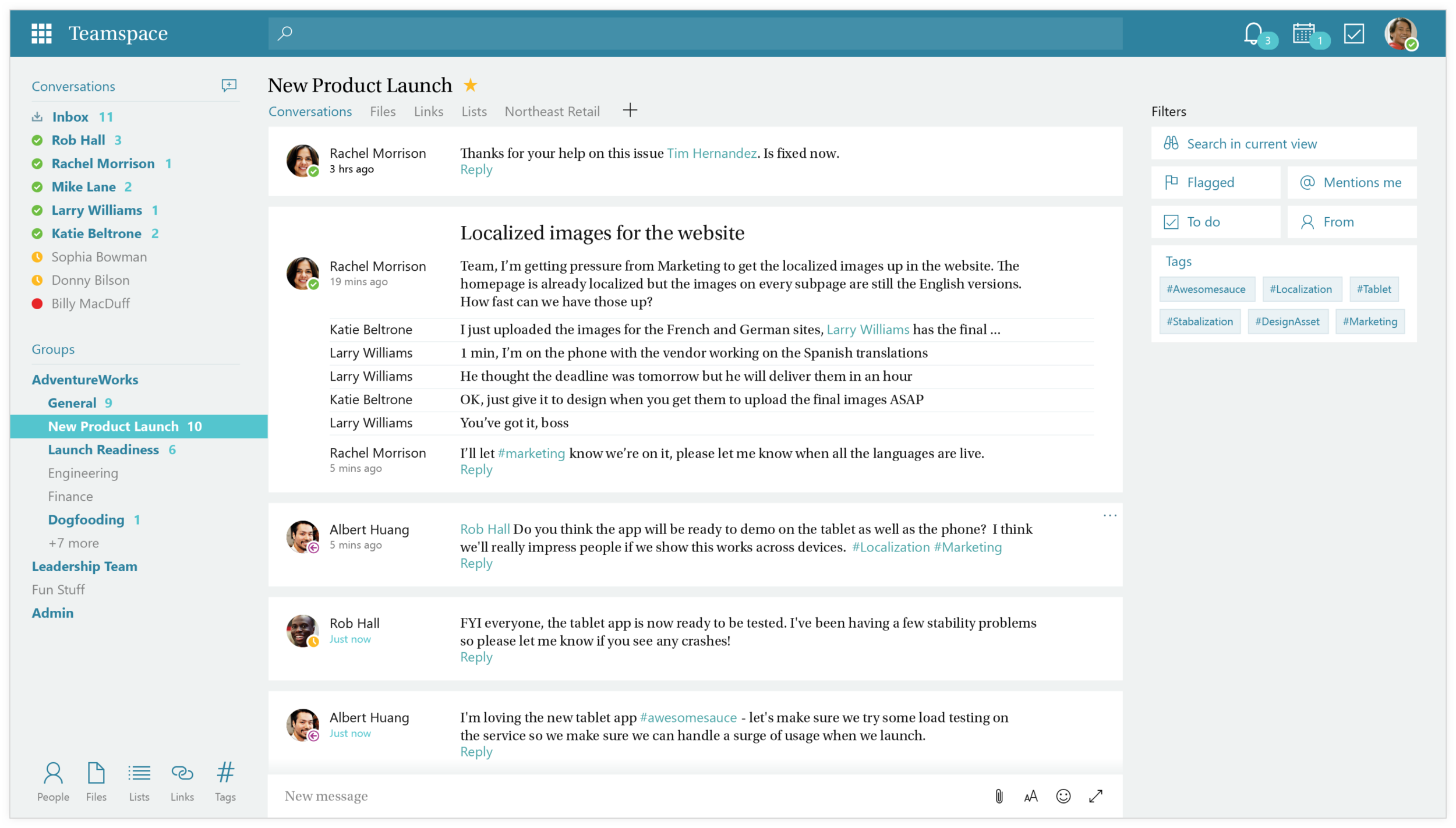
Nav / Channels / Group
The left panel is where the main navigation is, users can access to other active conversations, channels and groups from this panel.
Message / Content
The center stage is where we display the message thread. Depending on the settings of the channel, this area can also display other types of content.
Meta / Contextual
The panel on the right is where we show additional information of the current view in the center.
Visual language
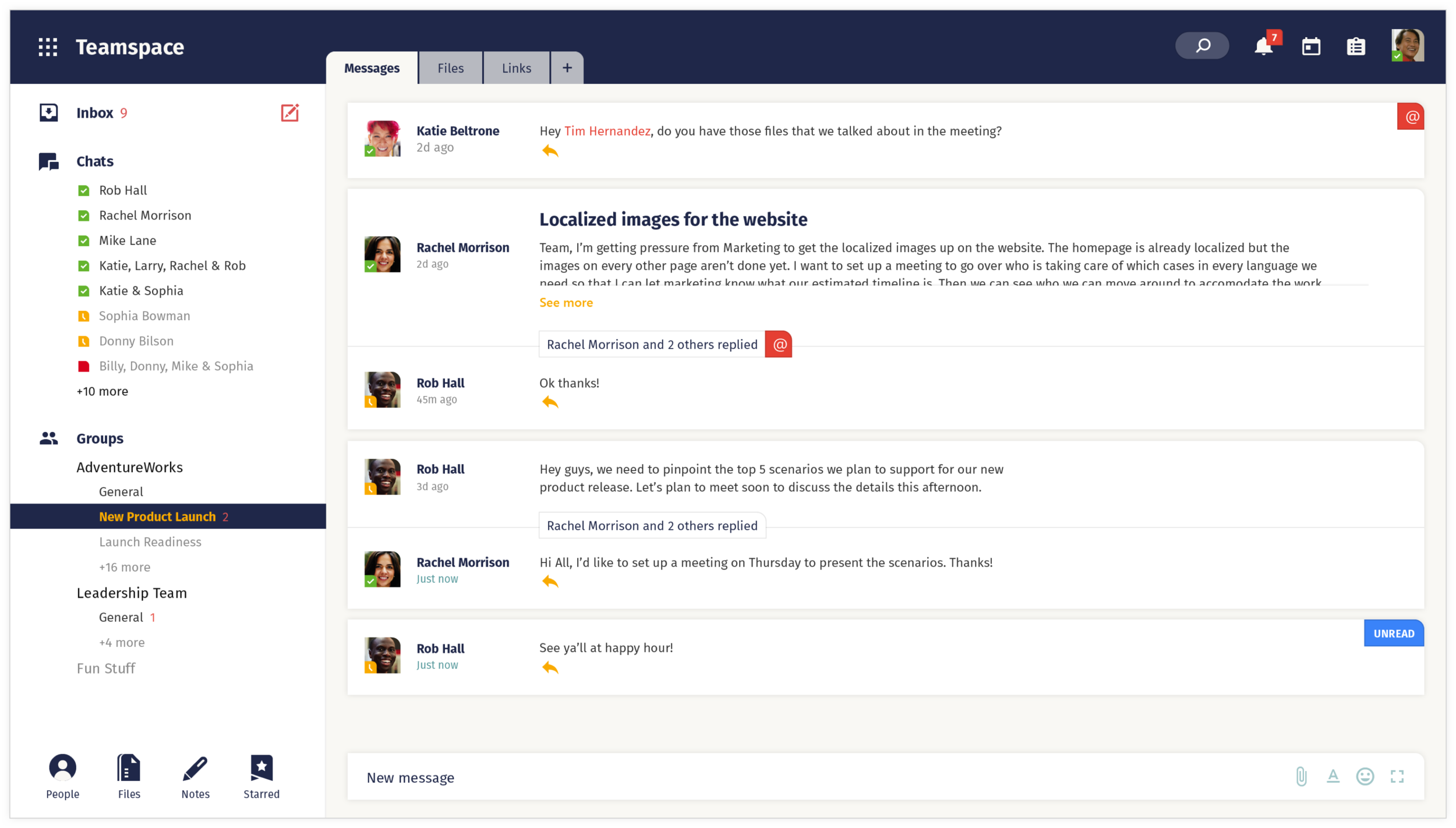
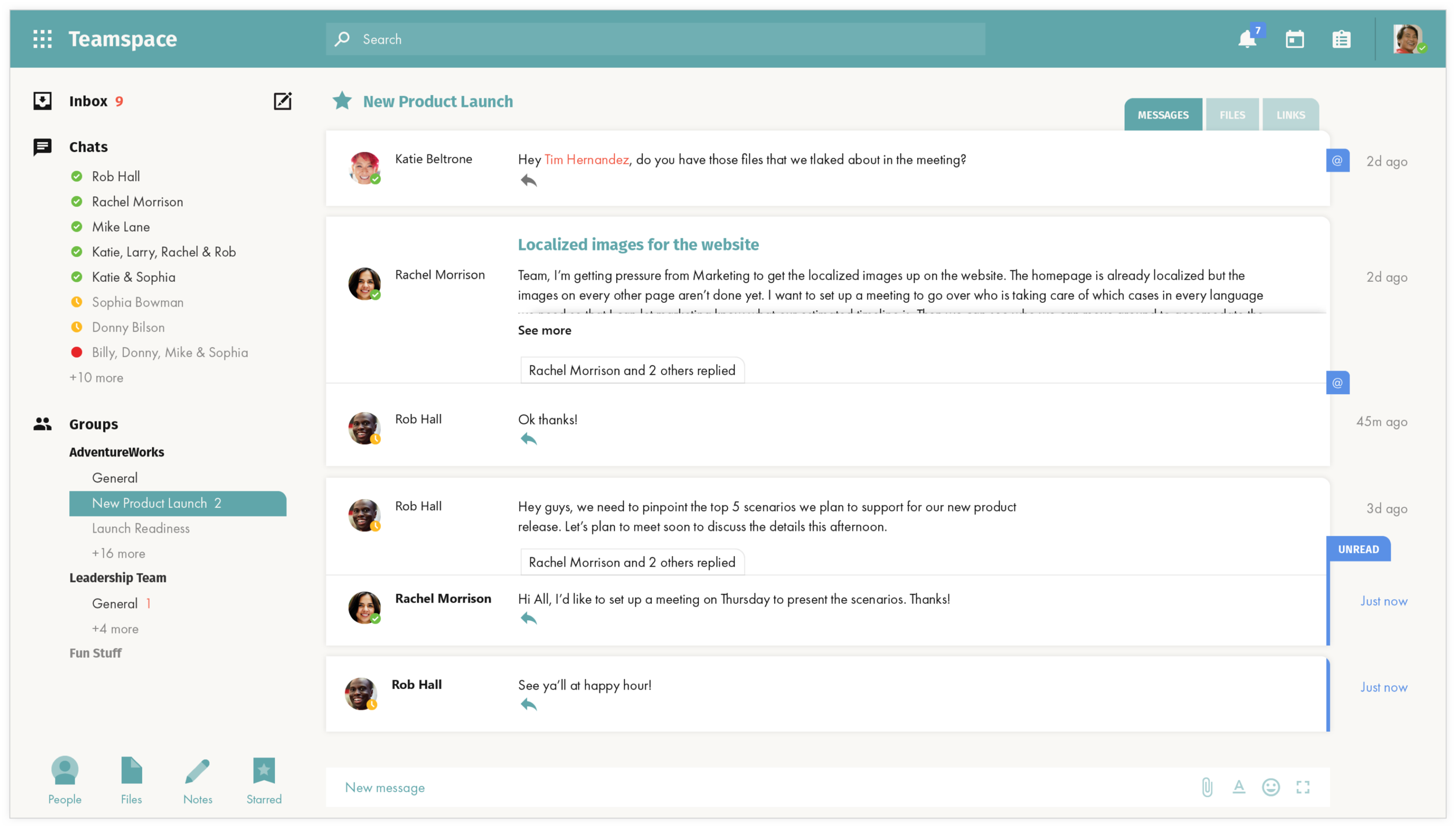
During the early stage of the development, the overall visual language of the application was still work in progress. Here are some of the directions I’ve explored that later on helped the team to define the overall look and feel.
Message threads
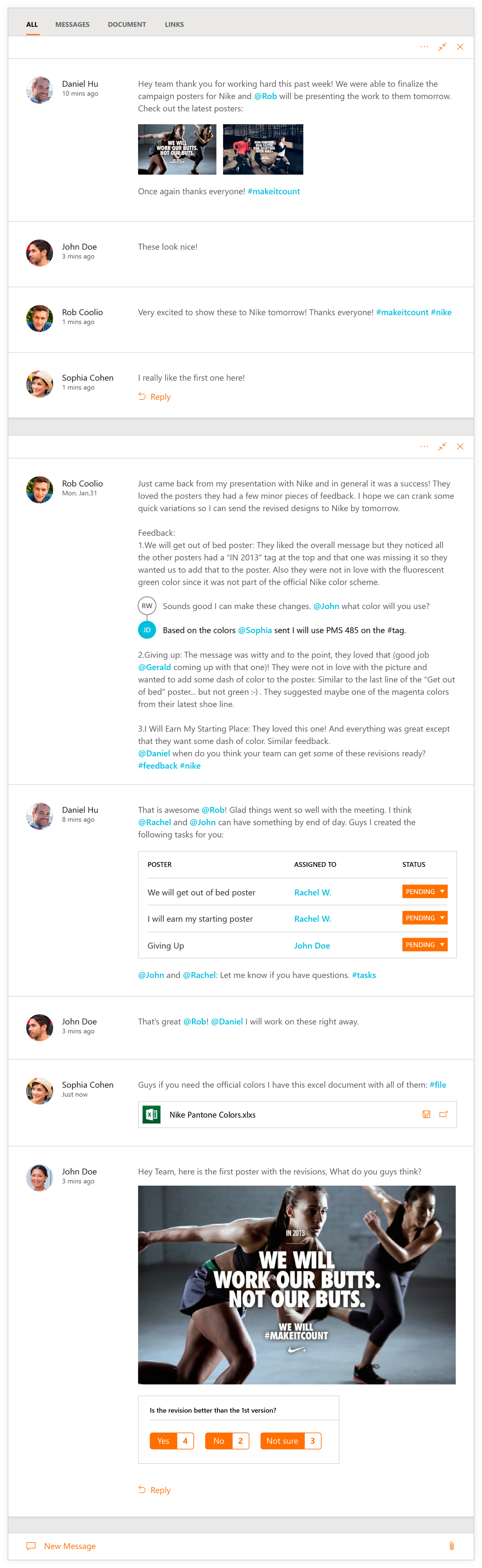
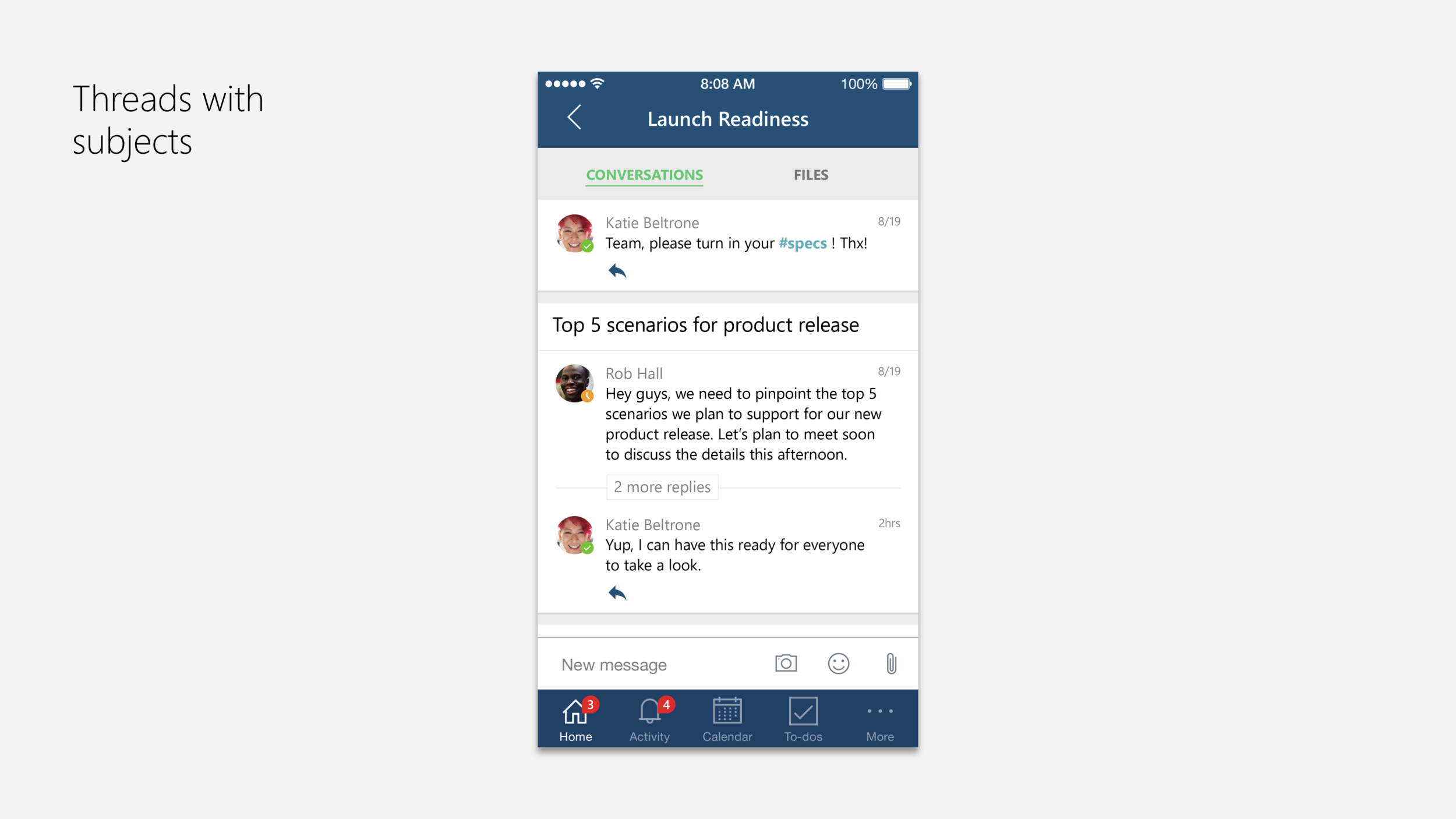
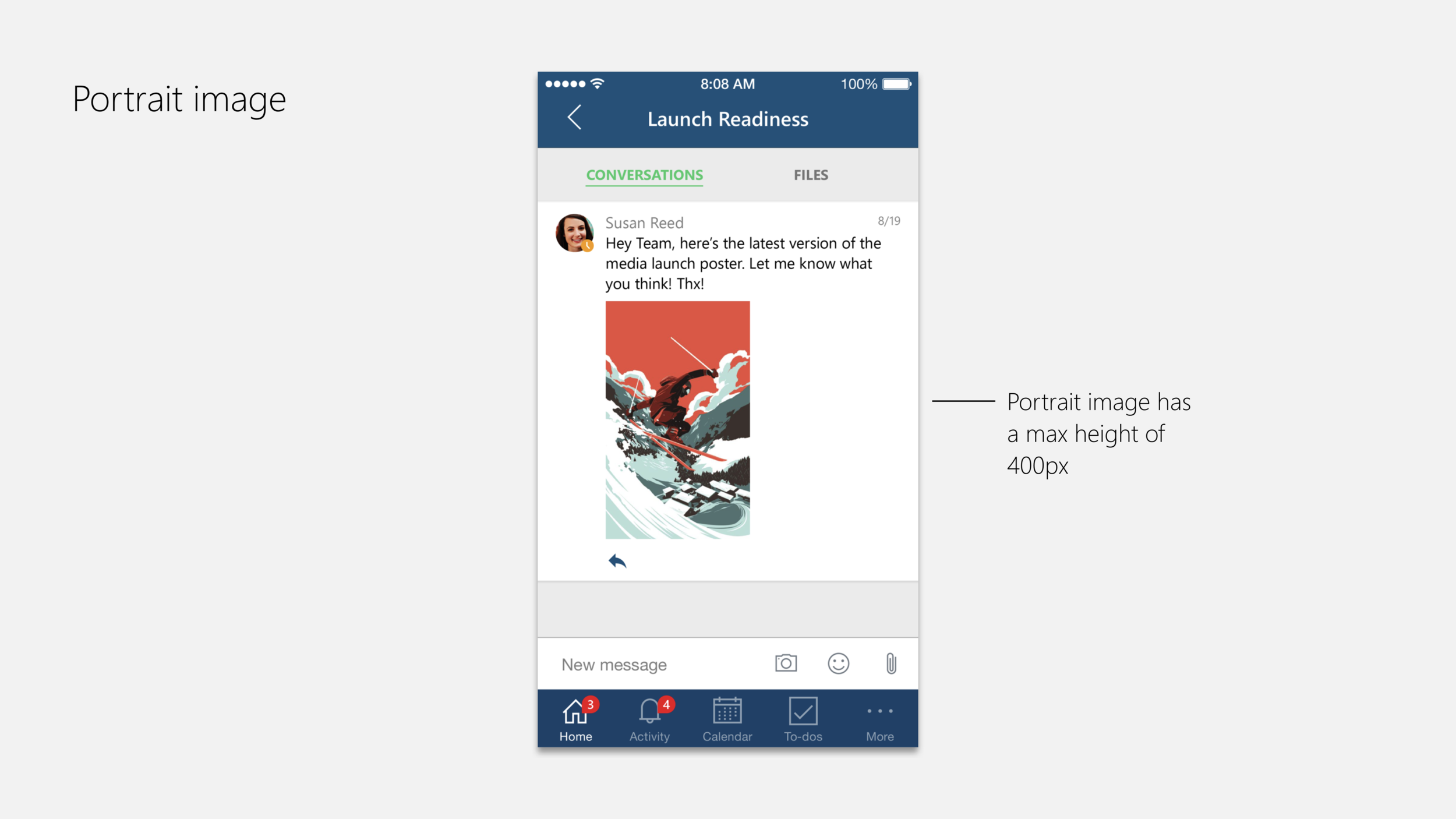
One of the features that I worked closely on was the development of message threads. As a product that focused heavily on the chat space, the message feature was expansive and allowed it’s users to post a wide range of content spanning from images and files to other elements such as polls and task assignments.
Mobile
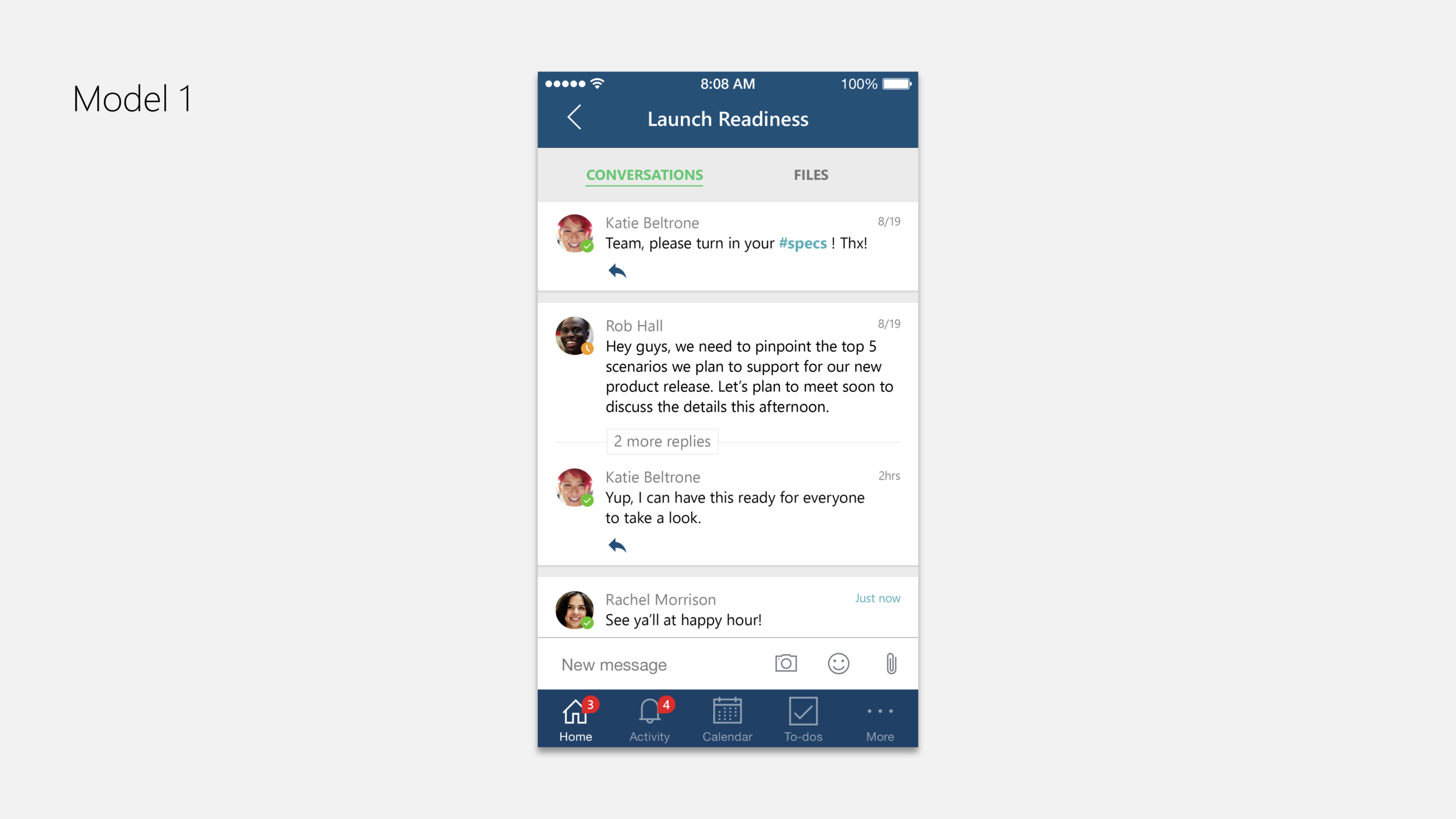
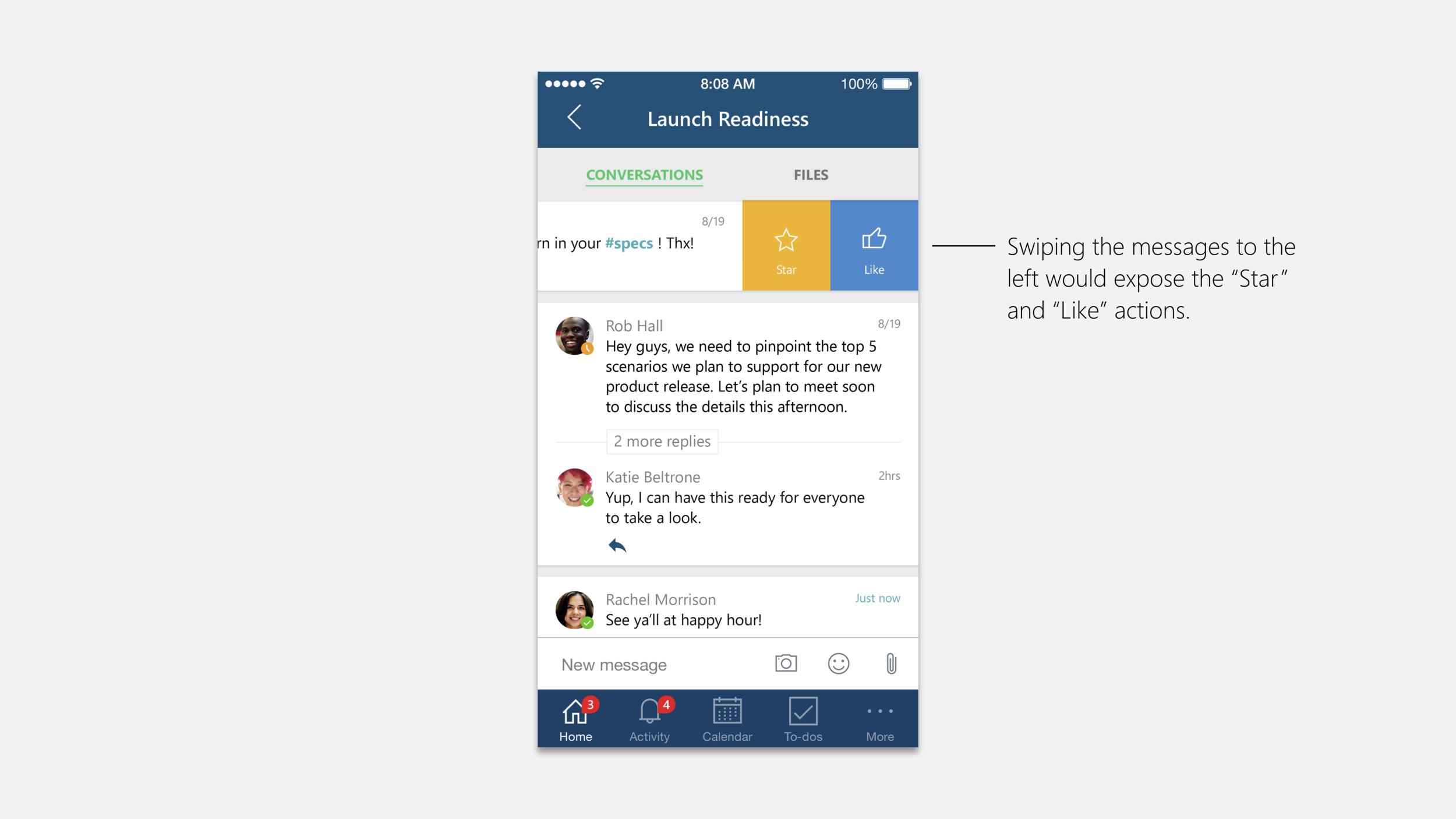
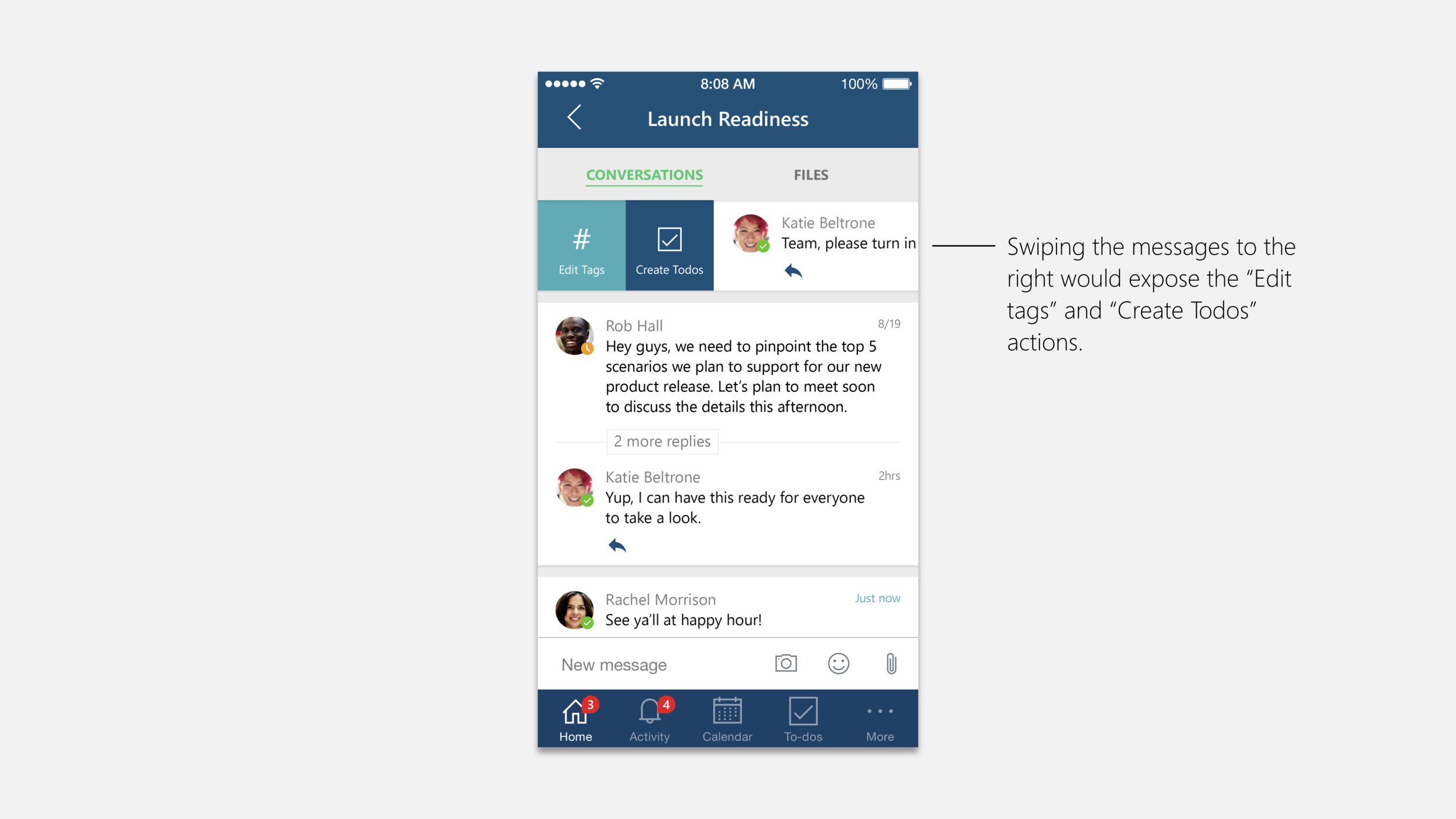
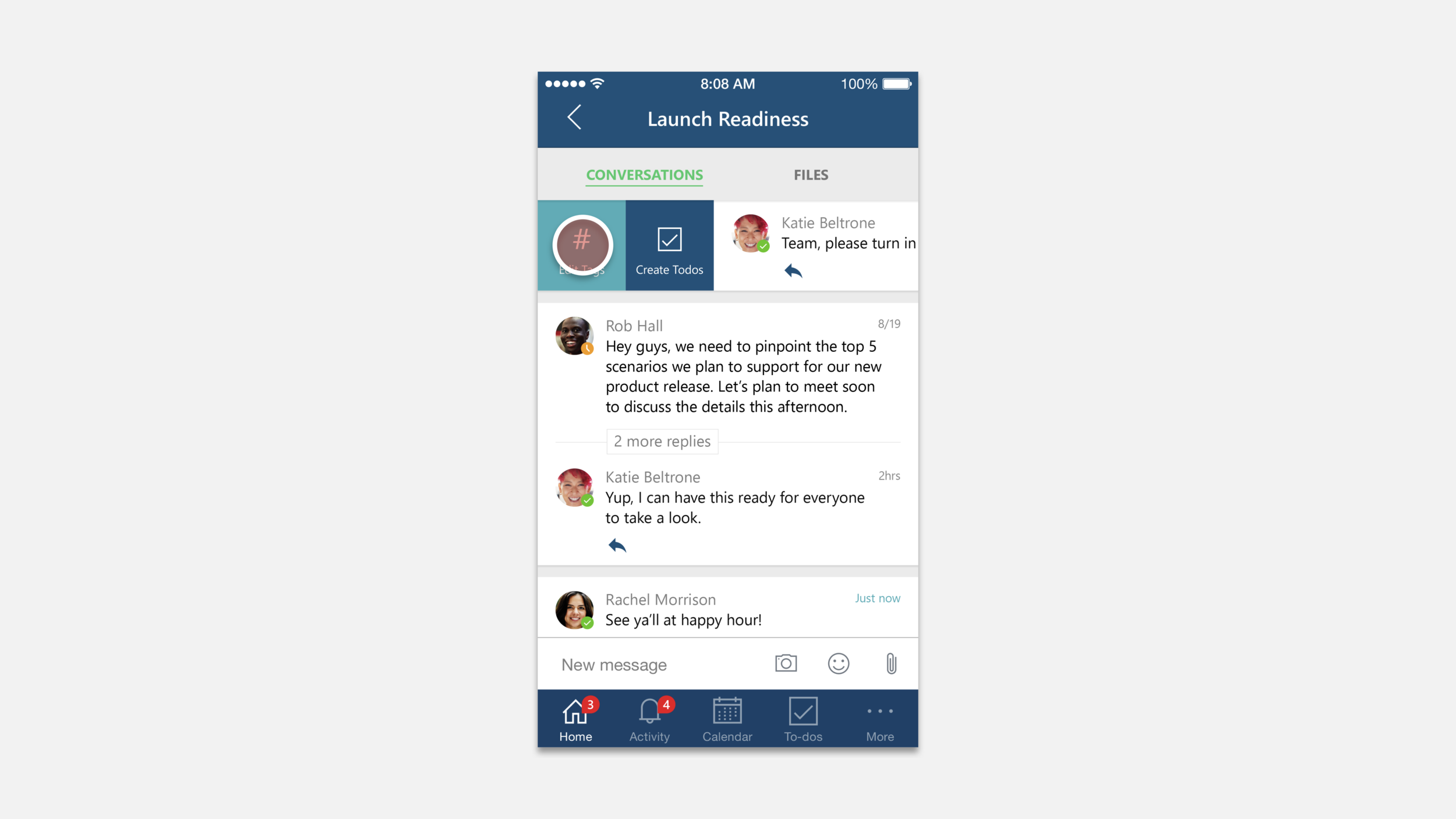
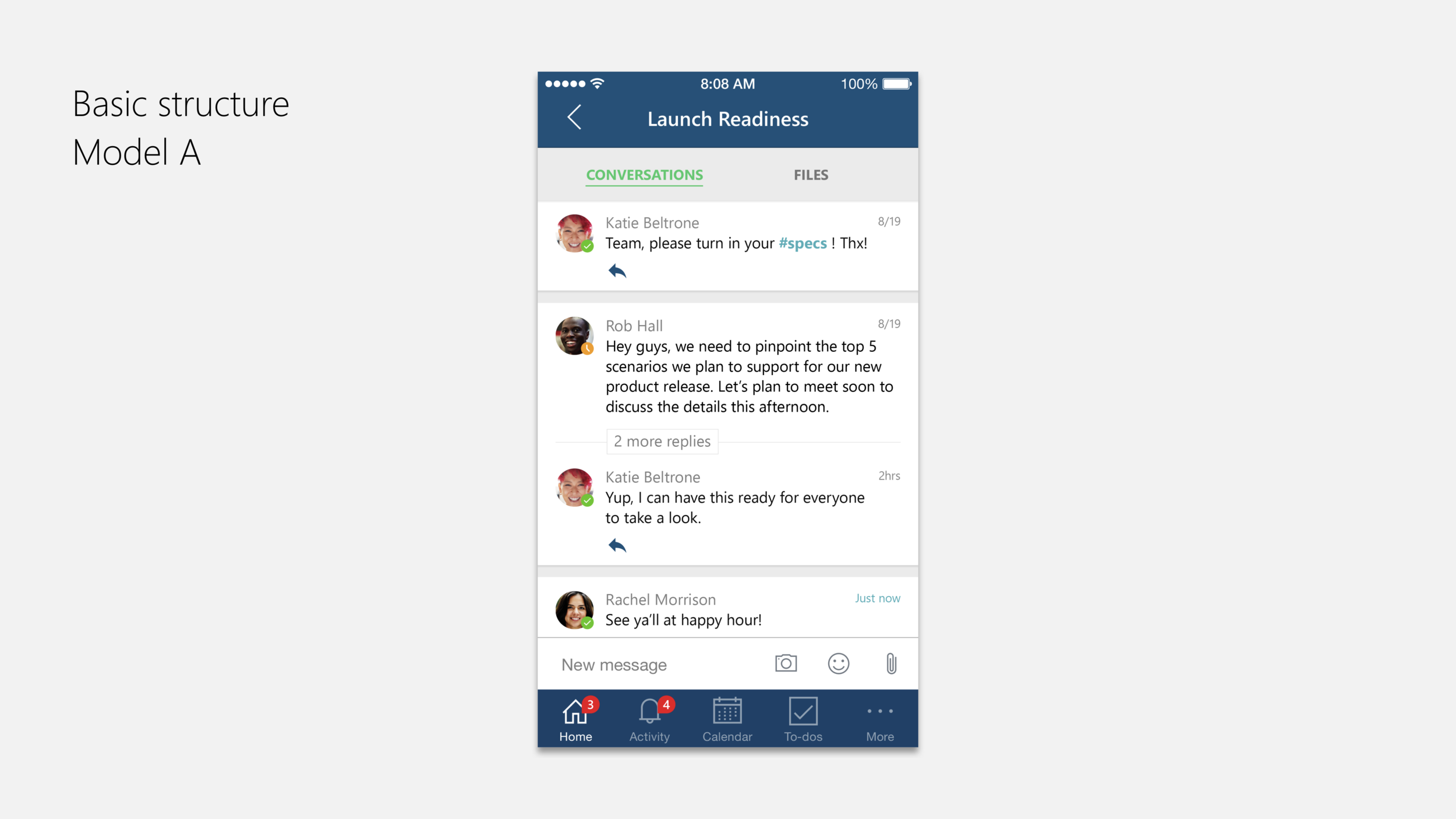
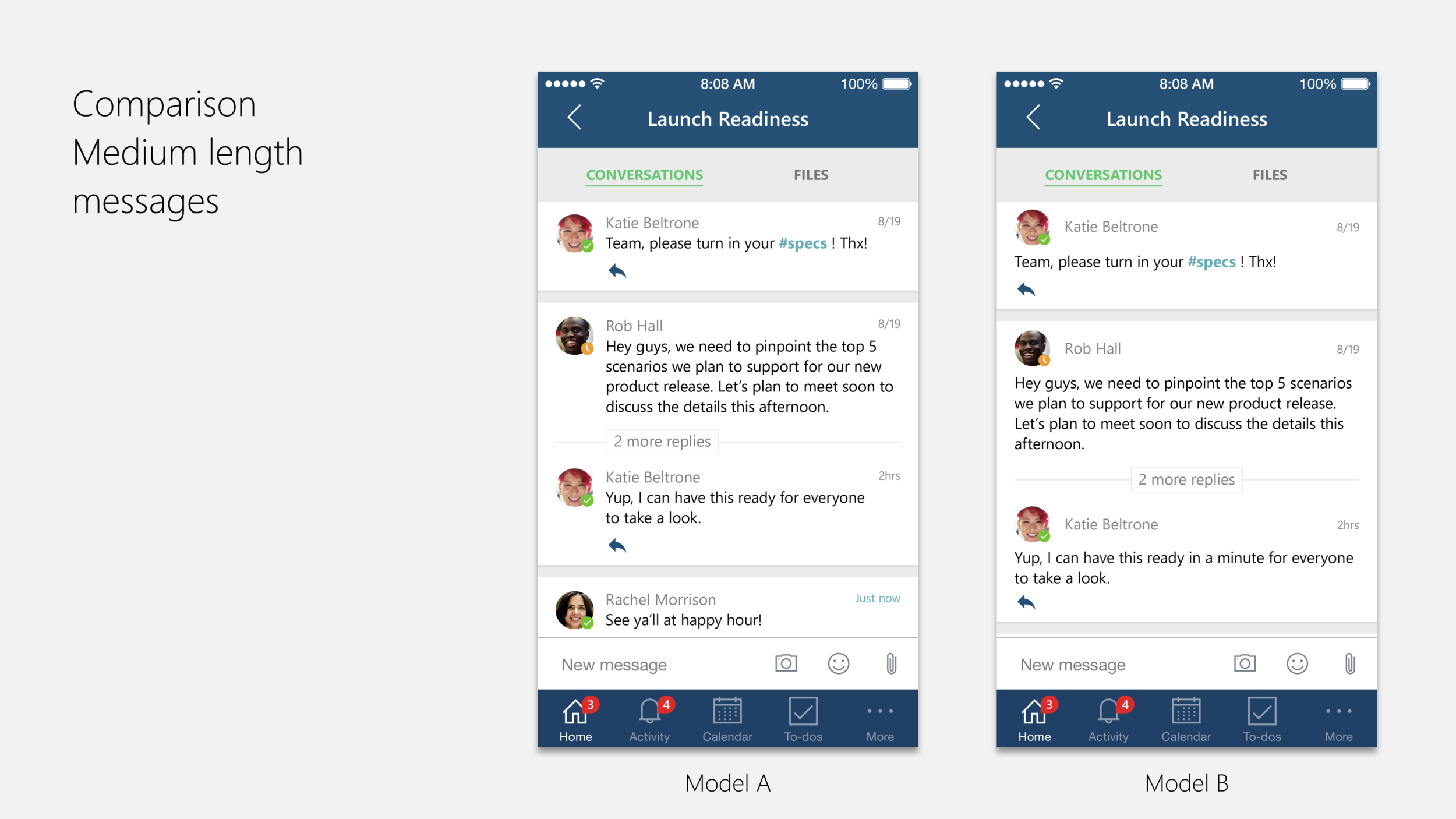
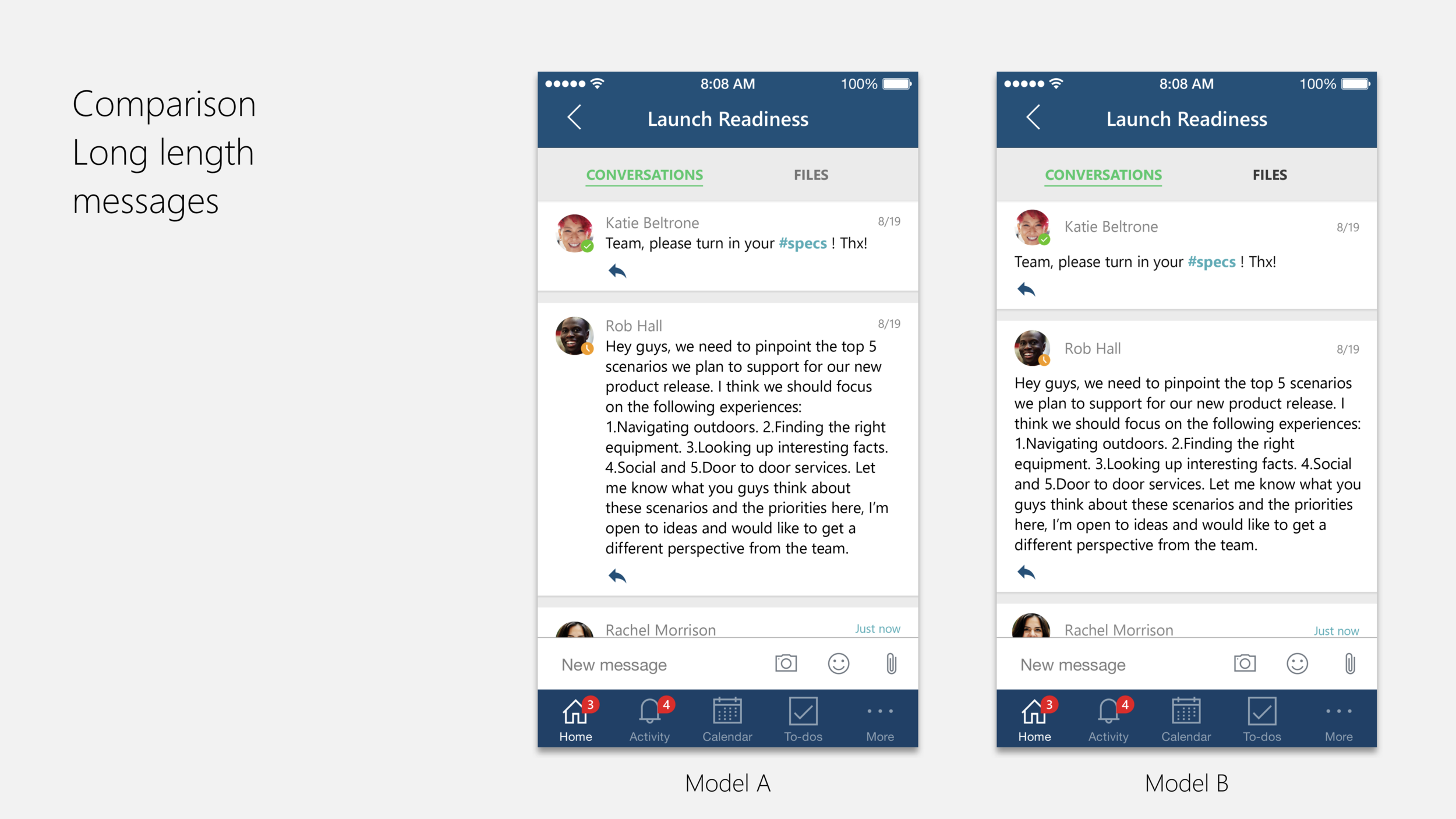
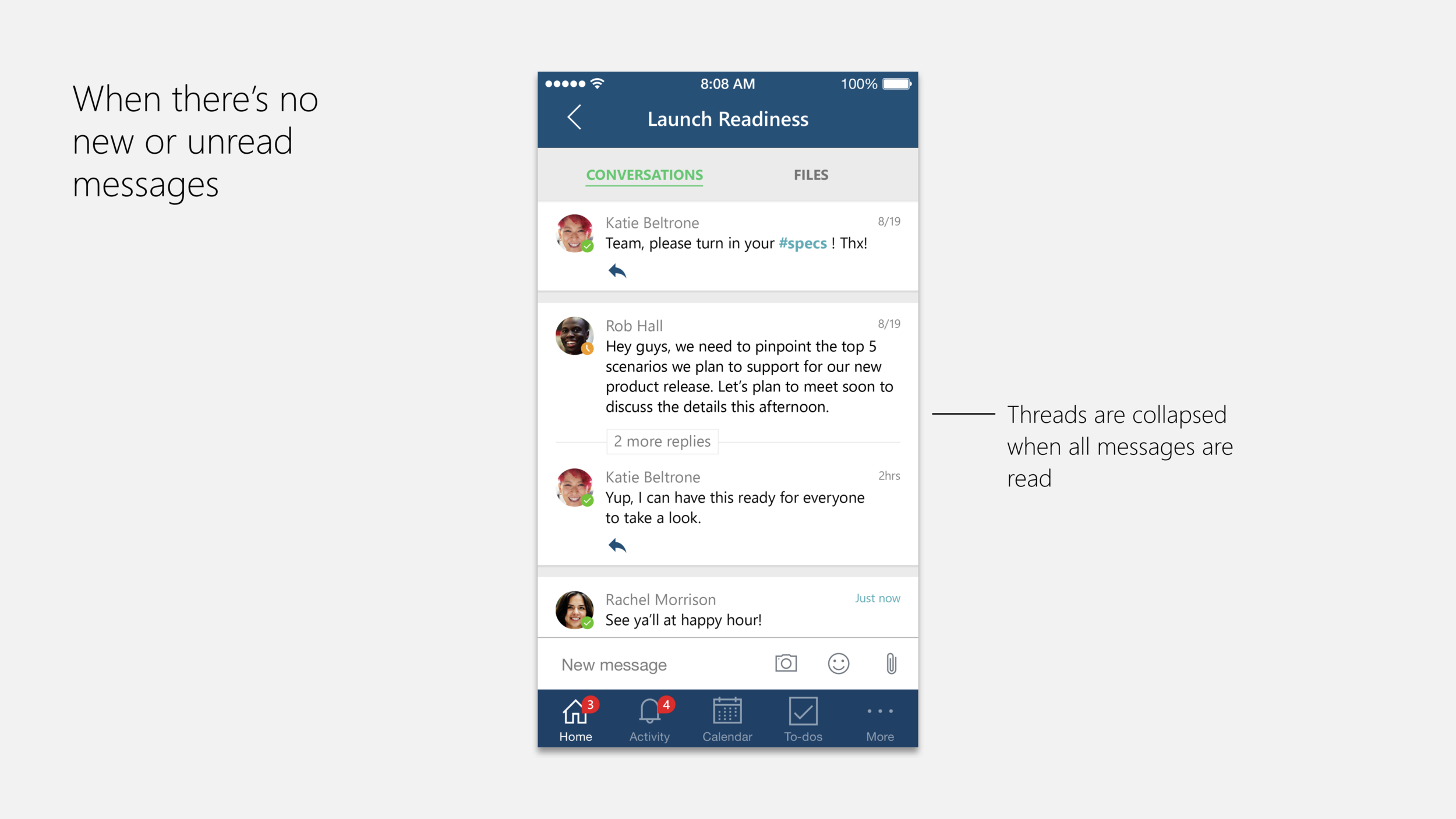
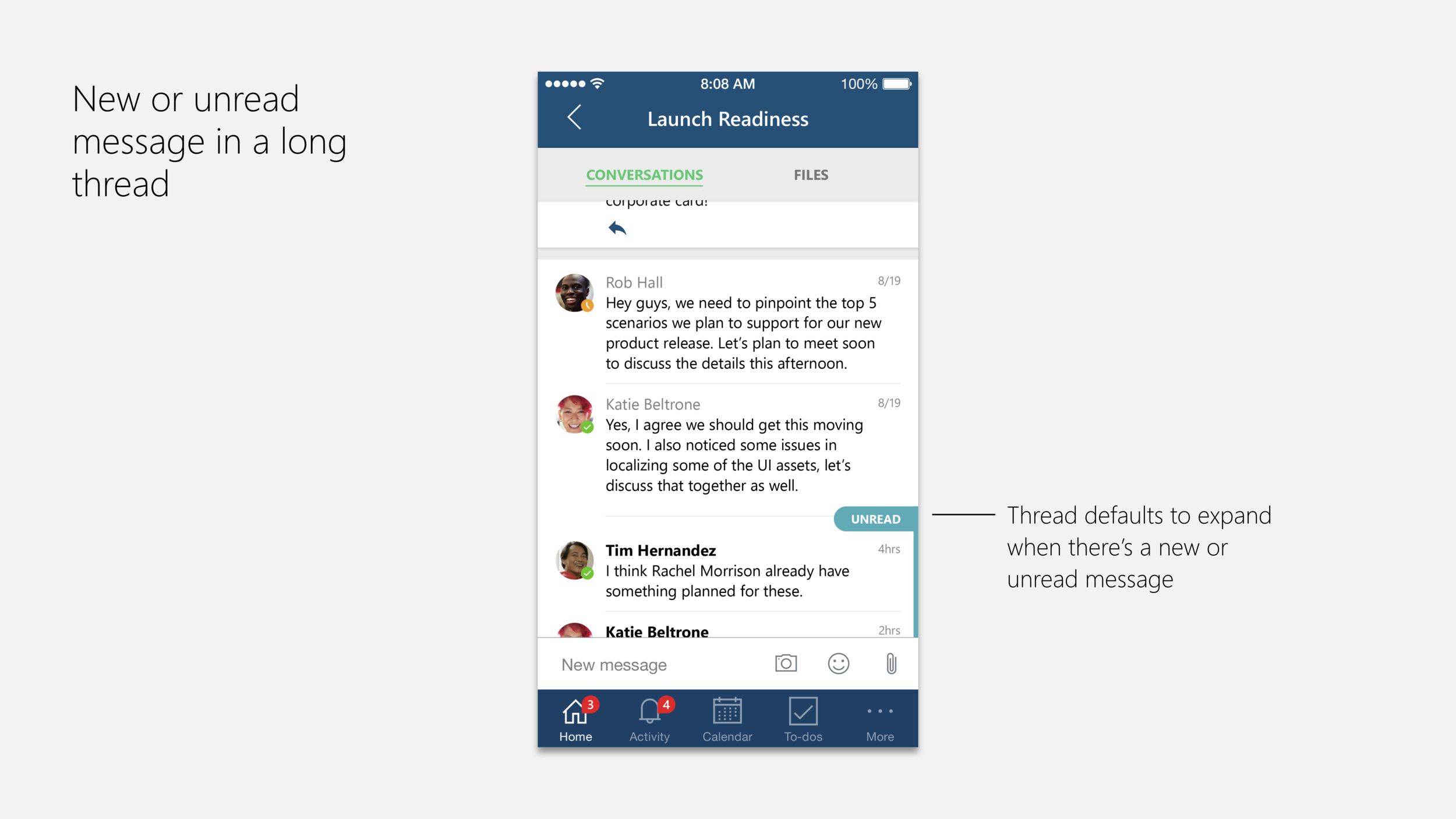
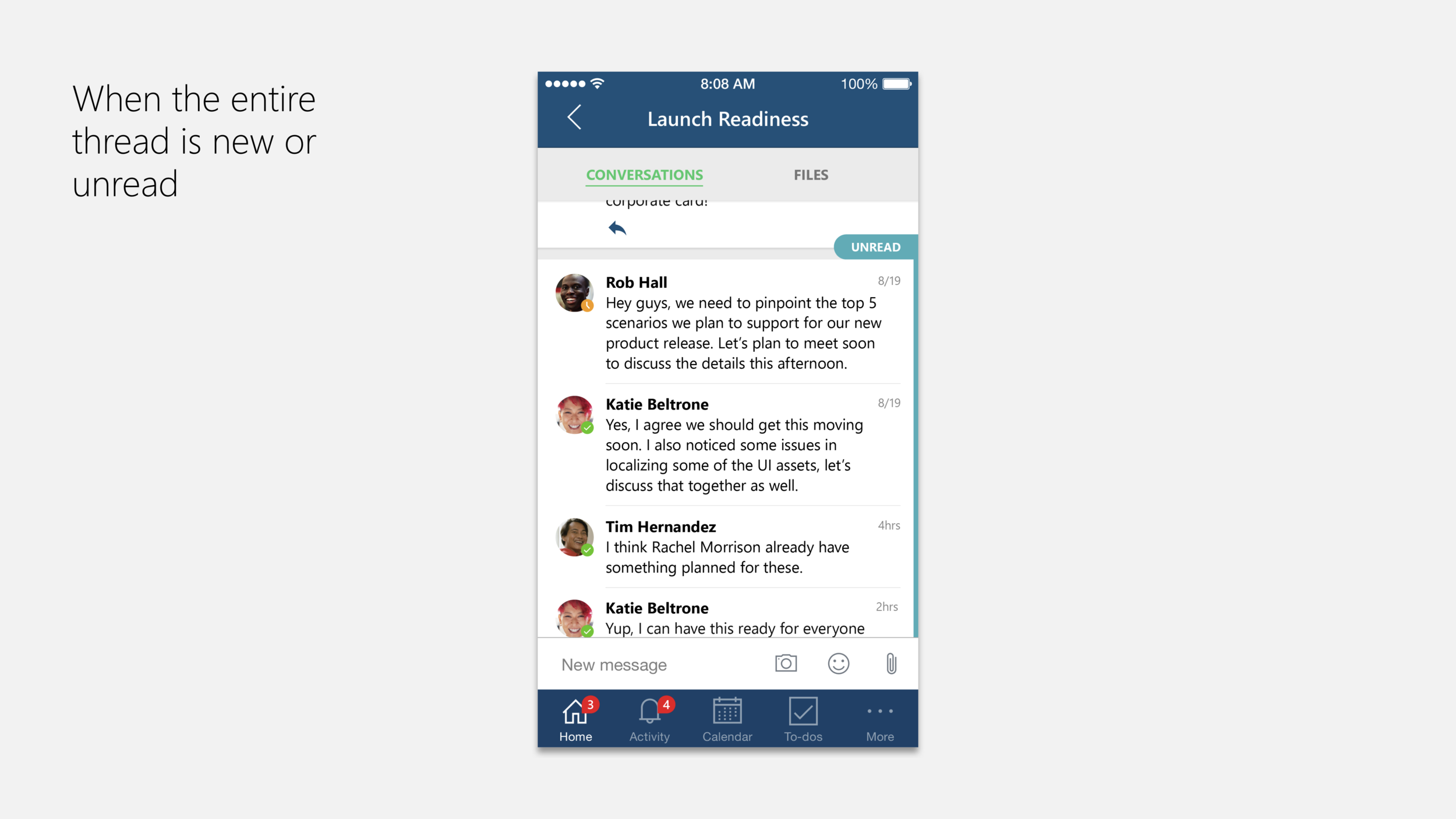
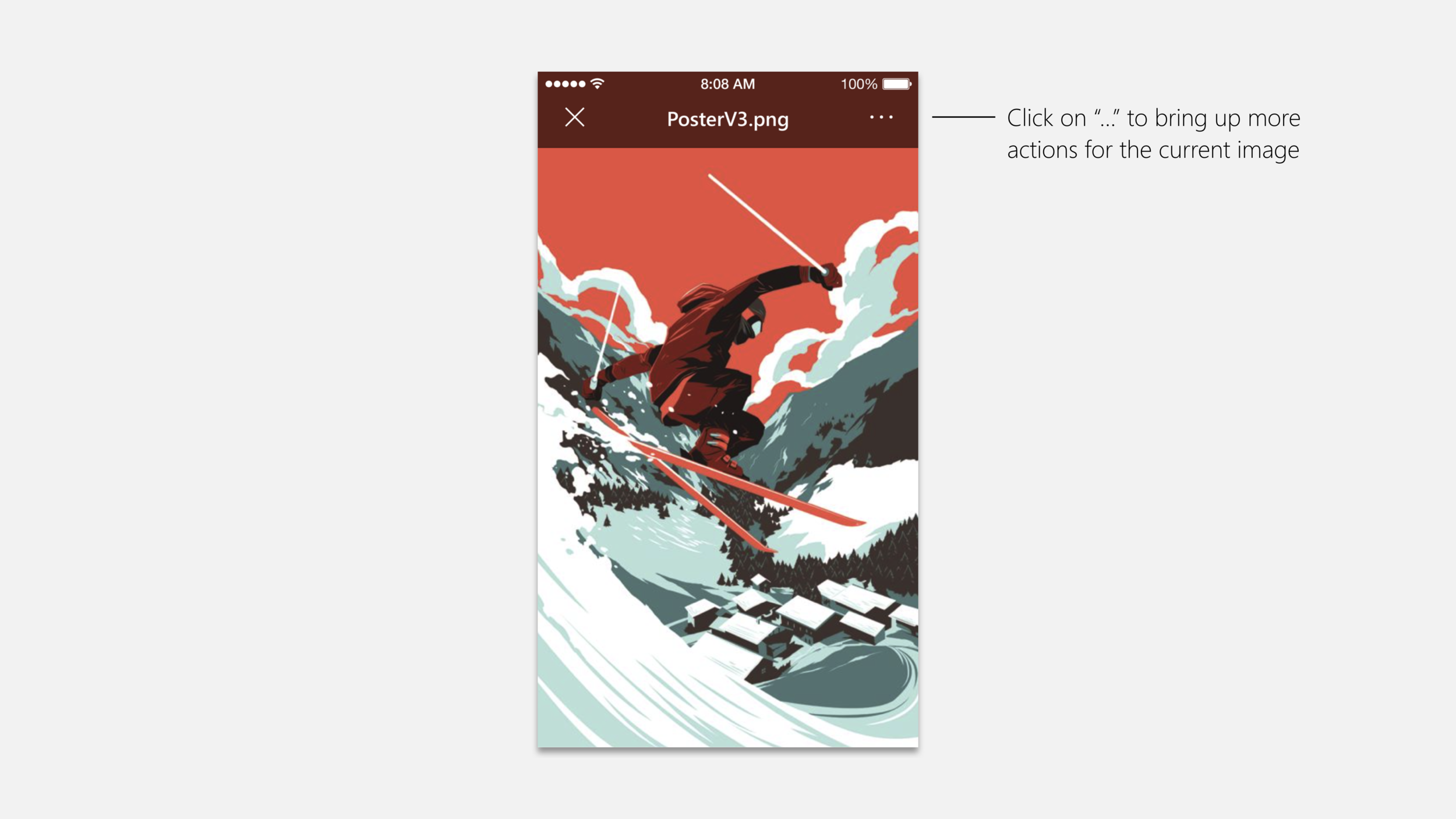
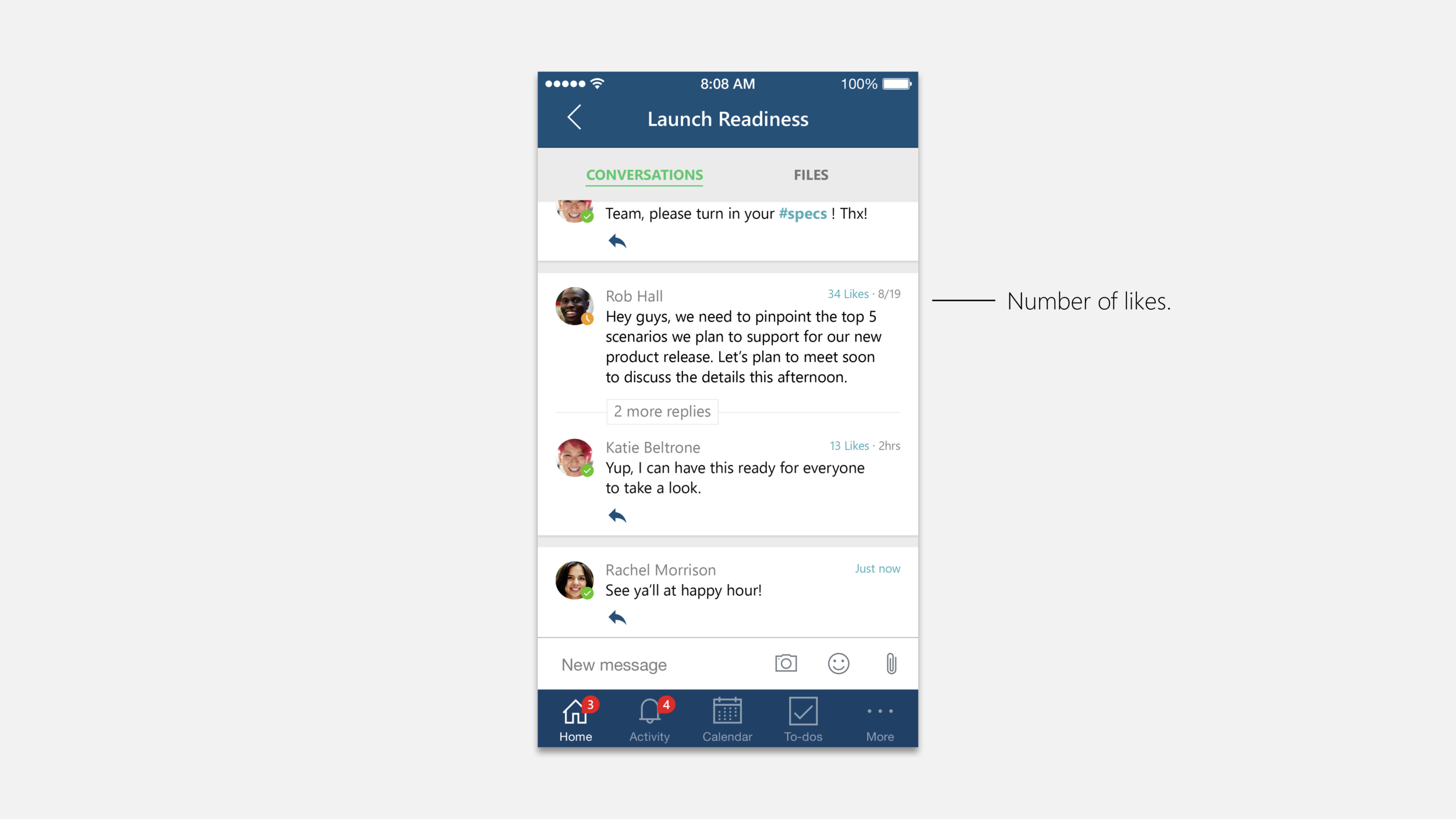
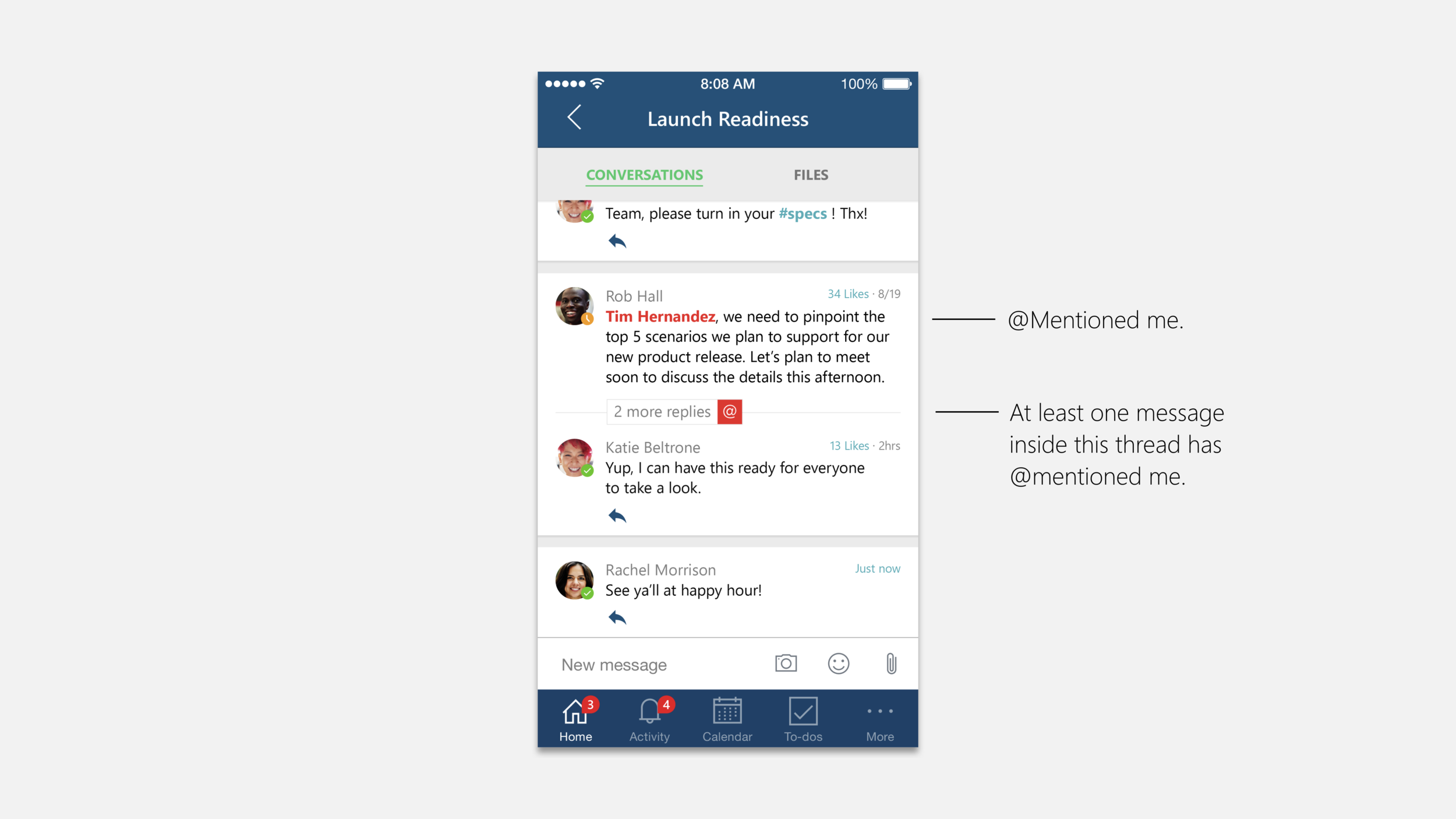
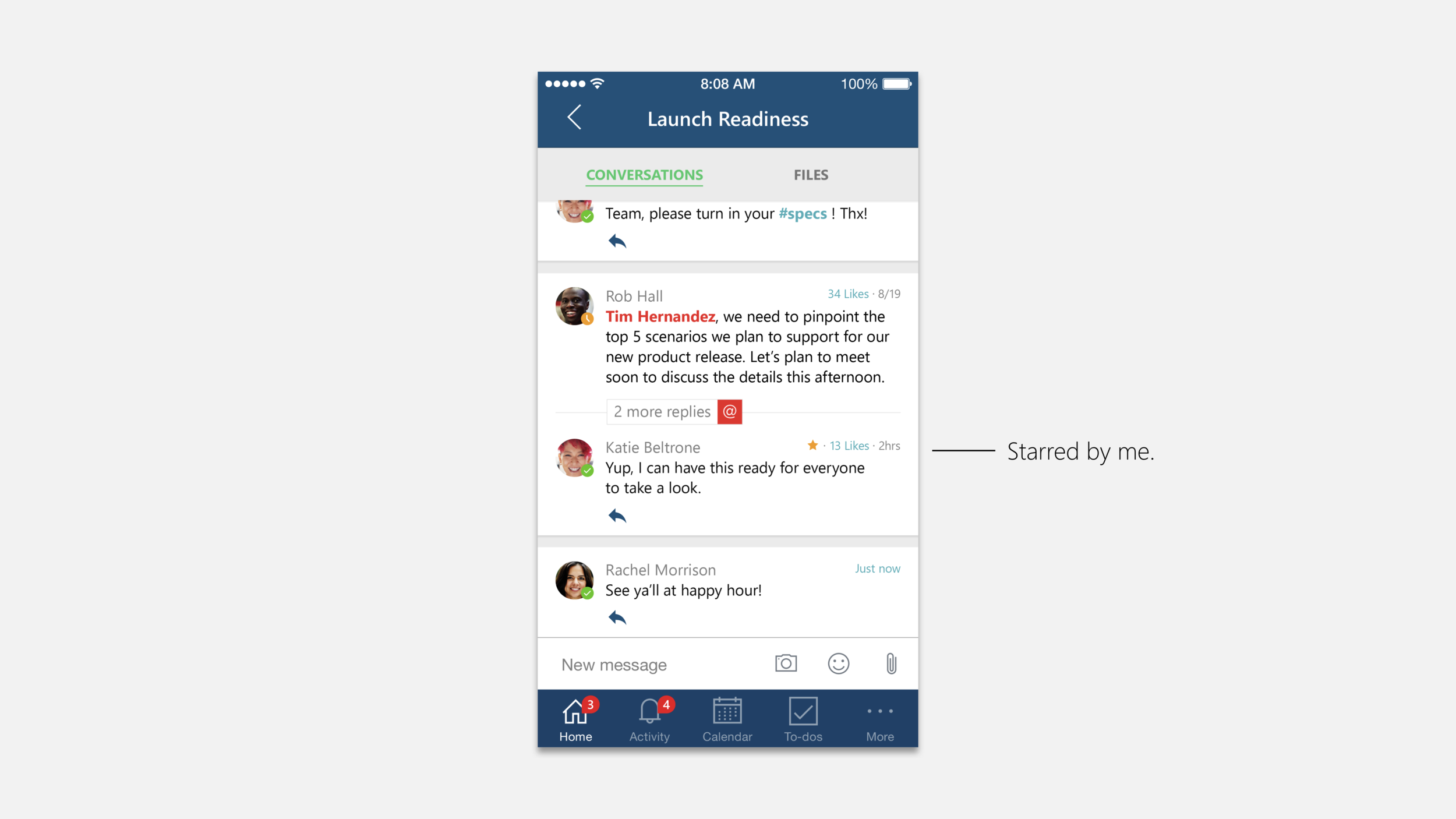
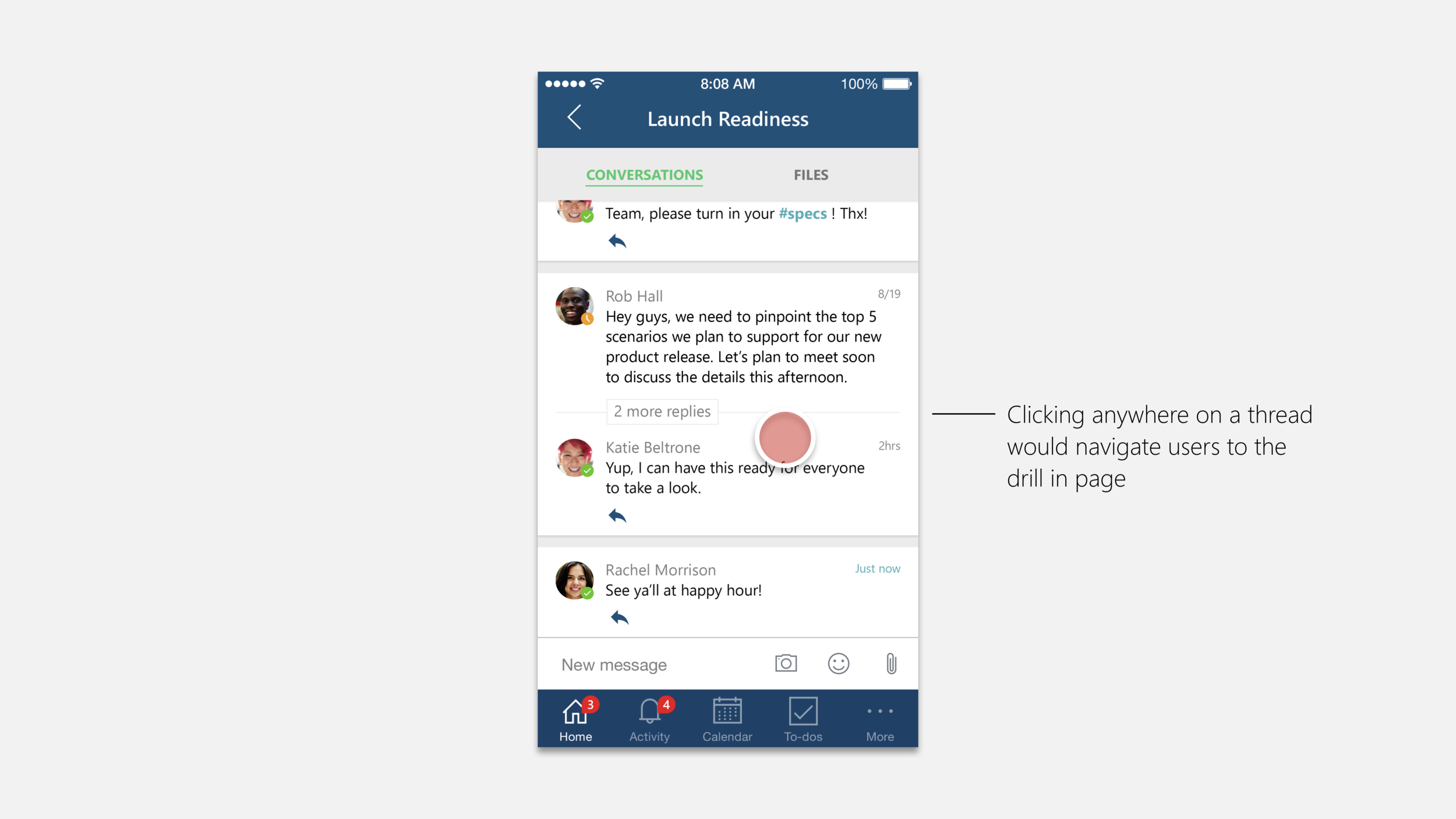
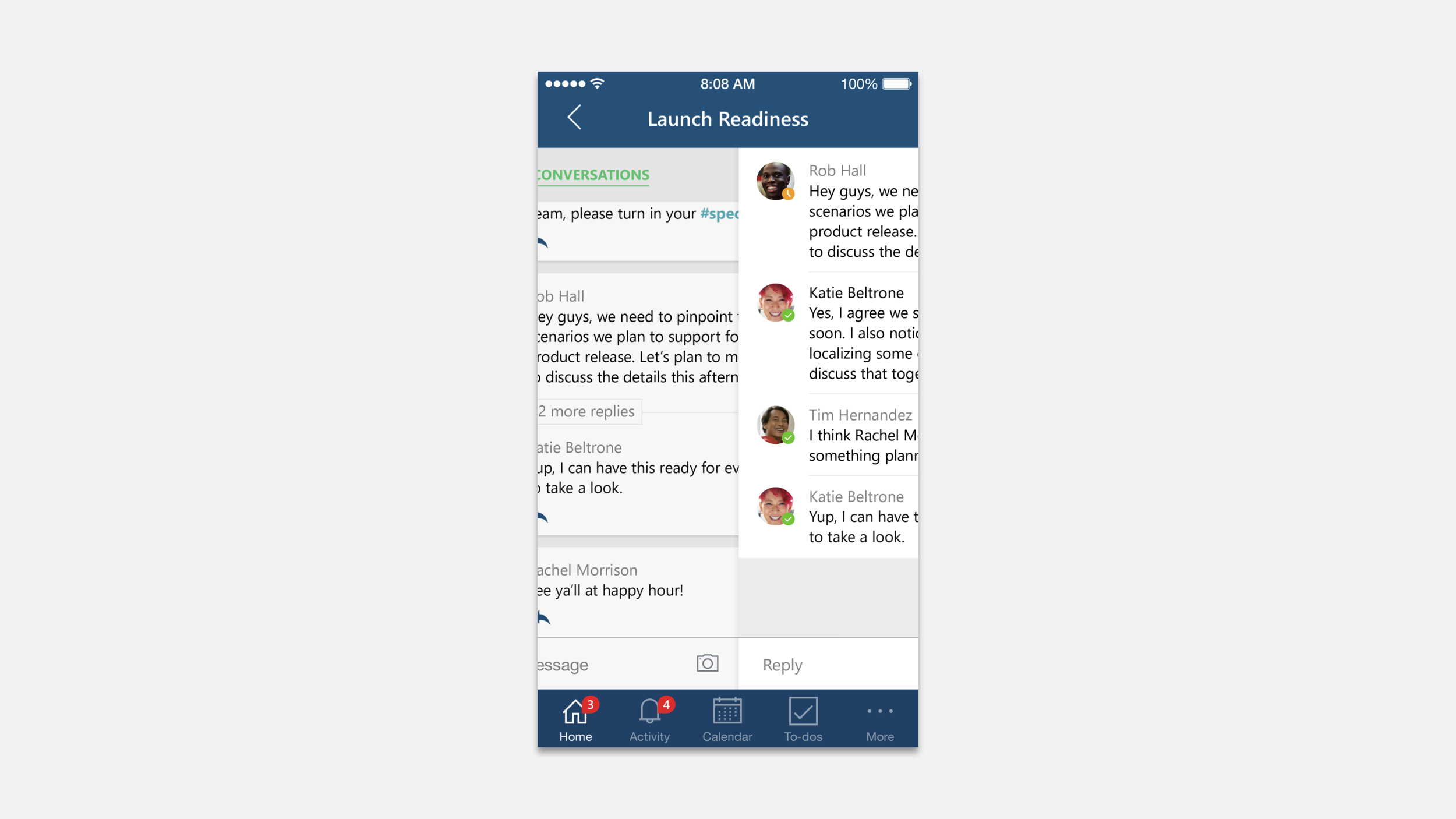
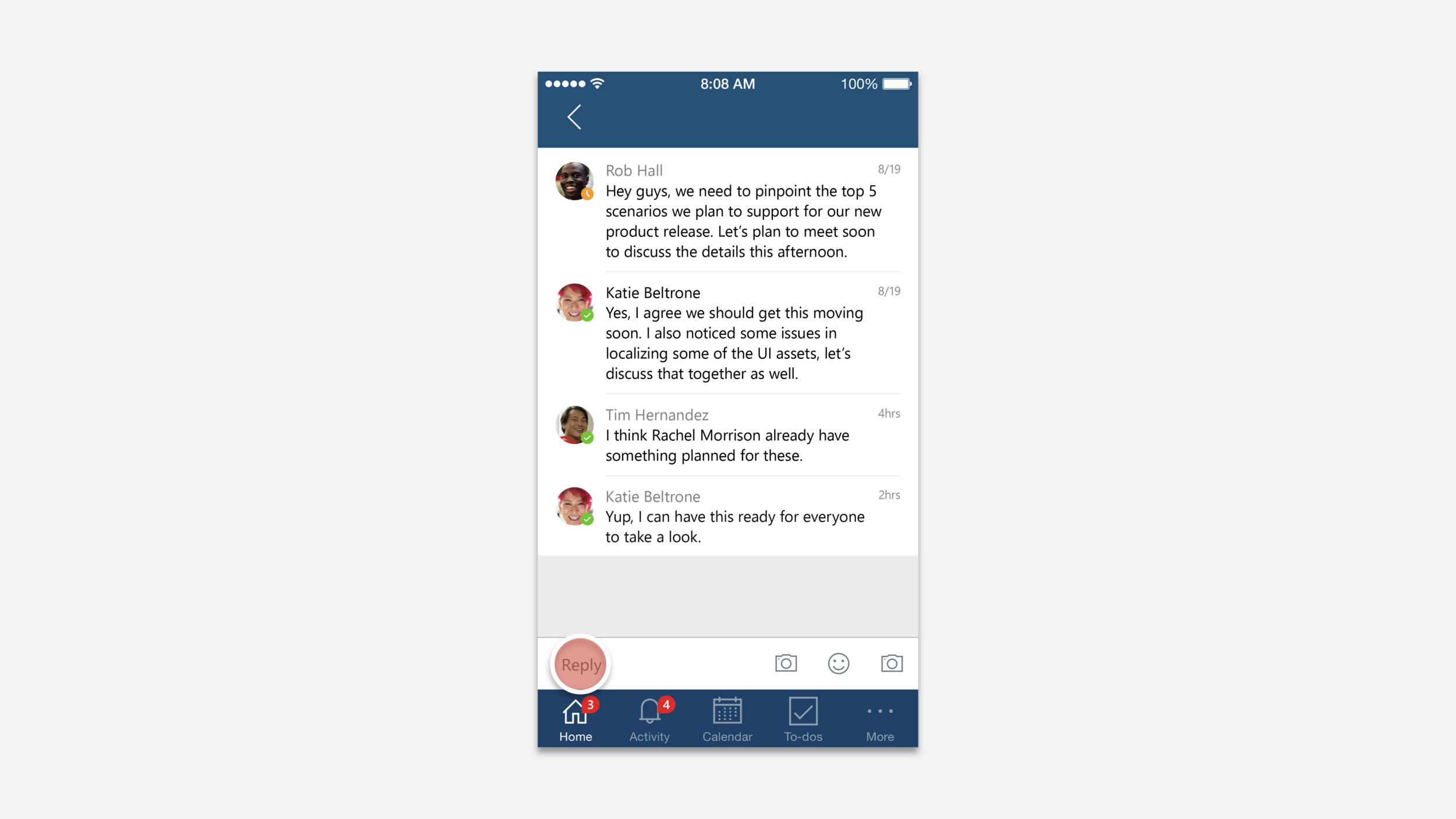
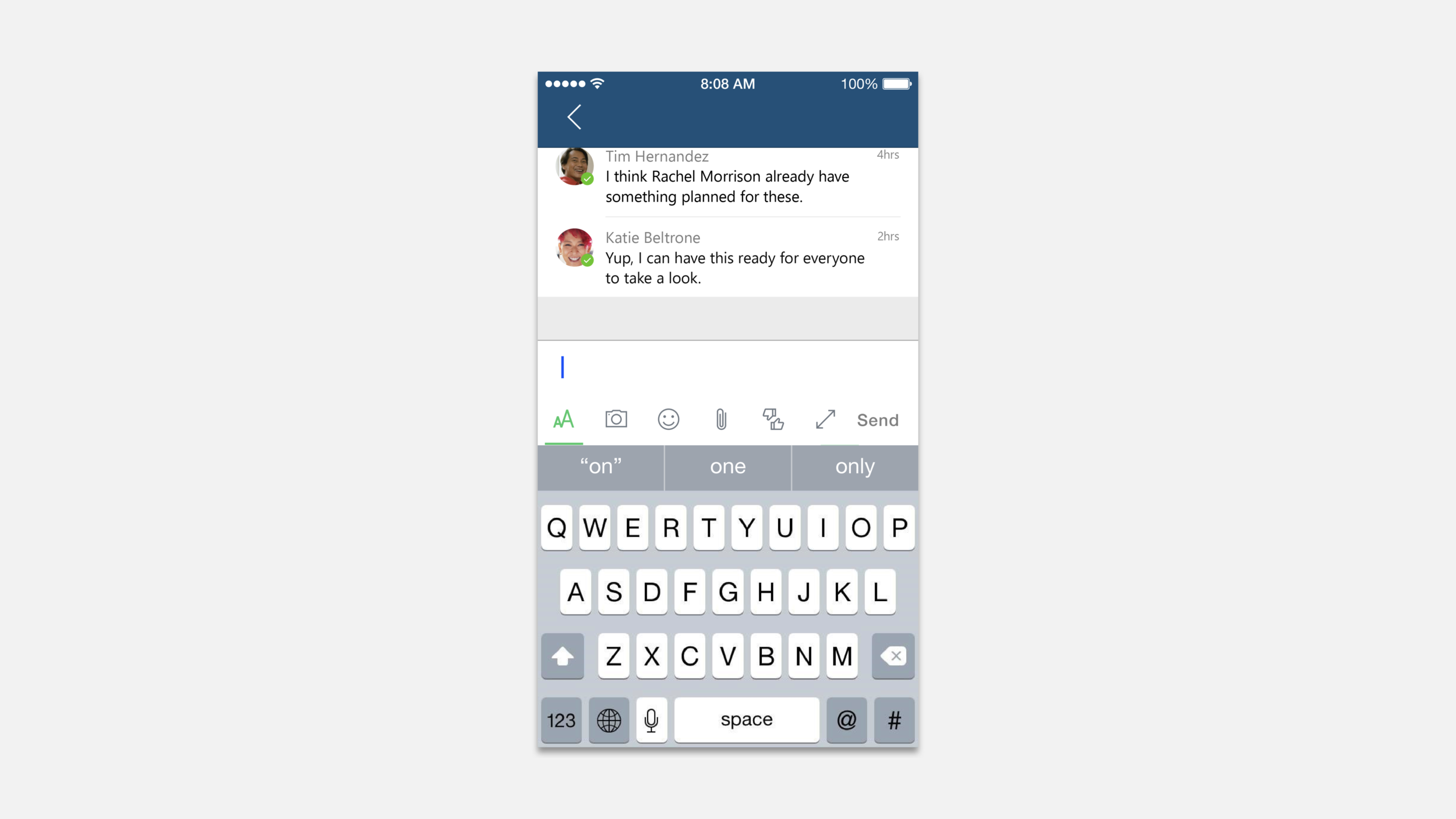
Since the application's main idea is to improve workspace communication, it's mobile companion became an important part of the experience. The designs shown here are early explorations of how the message thread would manifest on a mobile platform.
Basic Structure
The following designs and interaction flows were developed during the earlier stages of the project. Many features were since then re-prioritized while the visual system has also changed dramatically.


Reply Flow
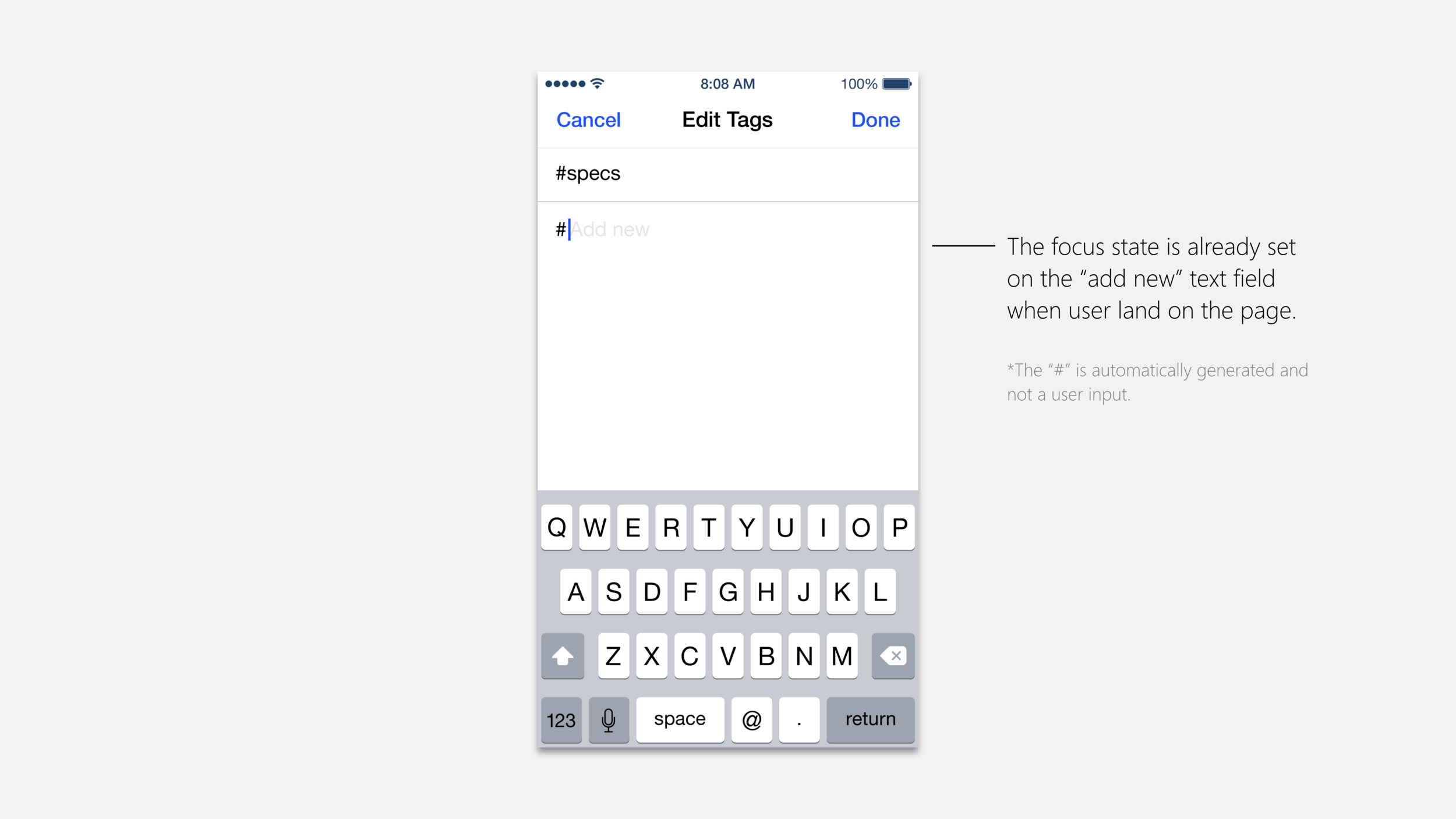
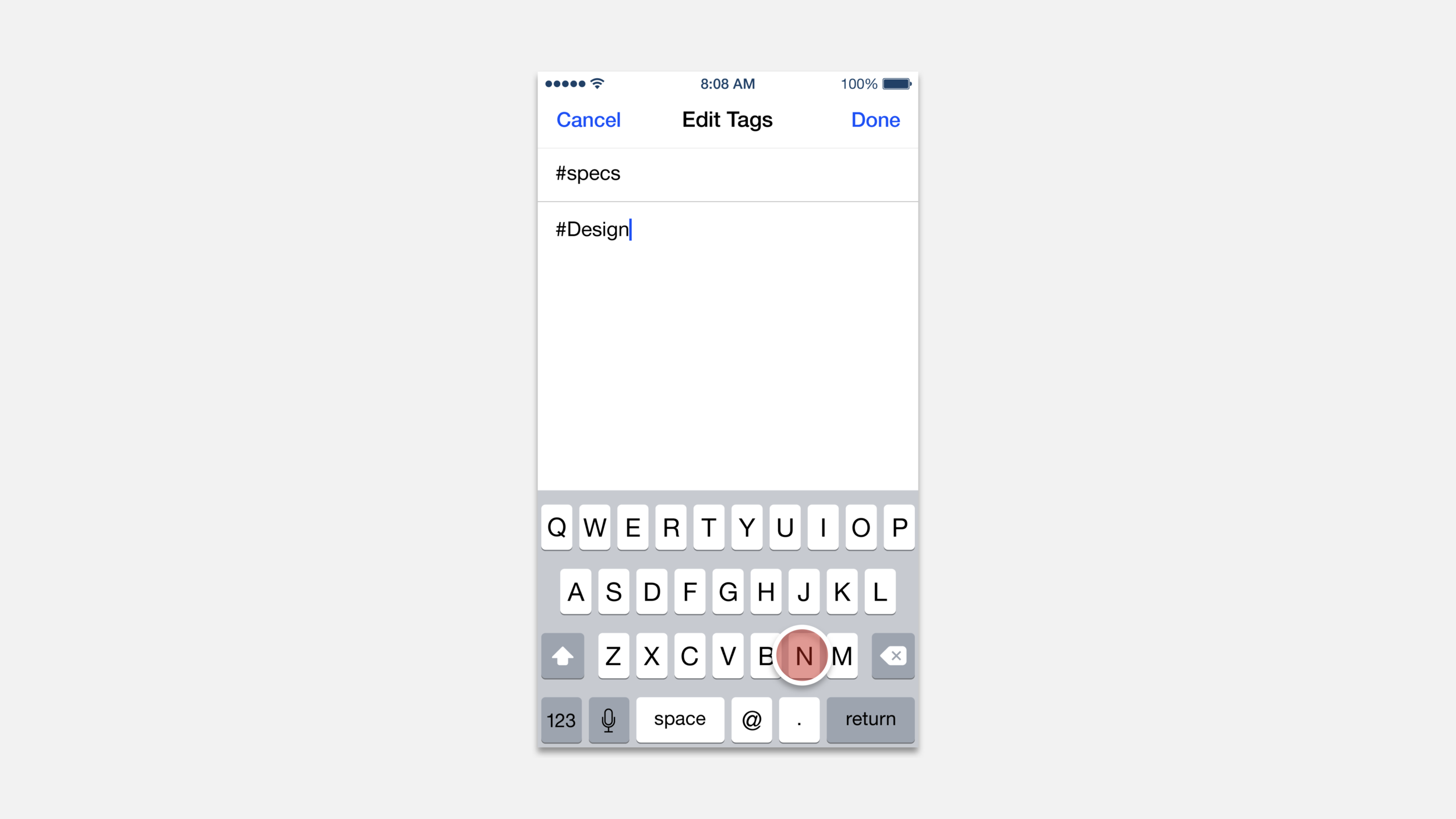
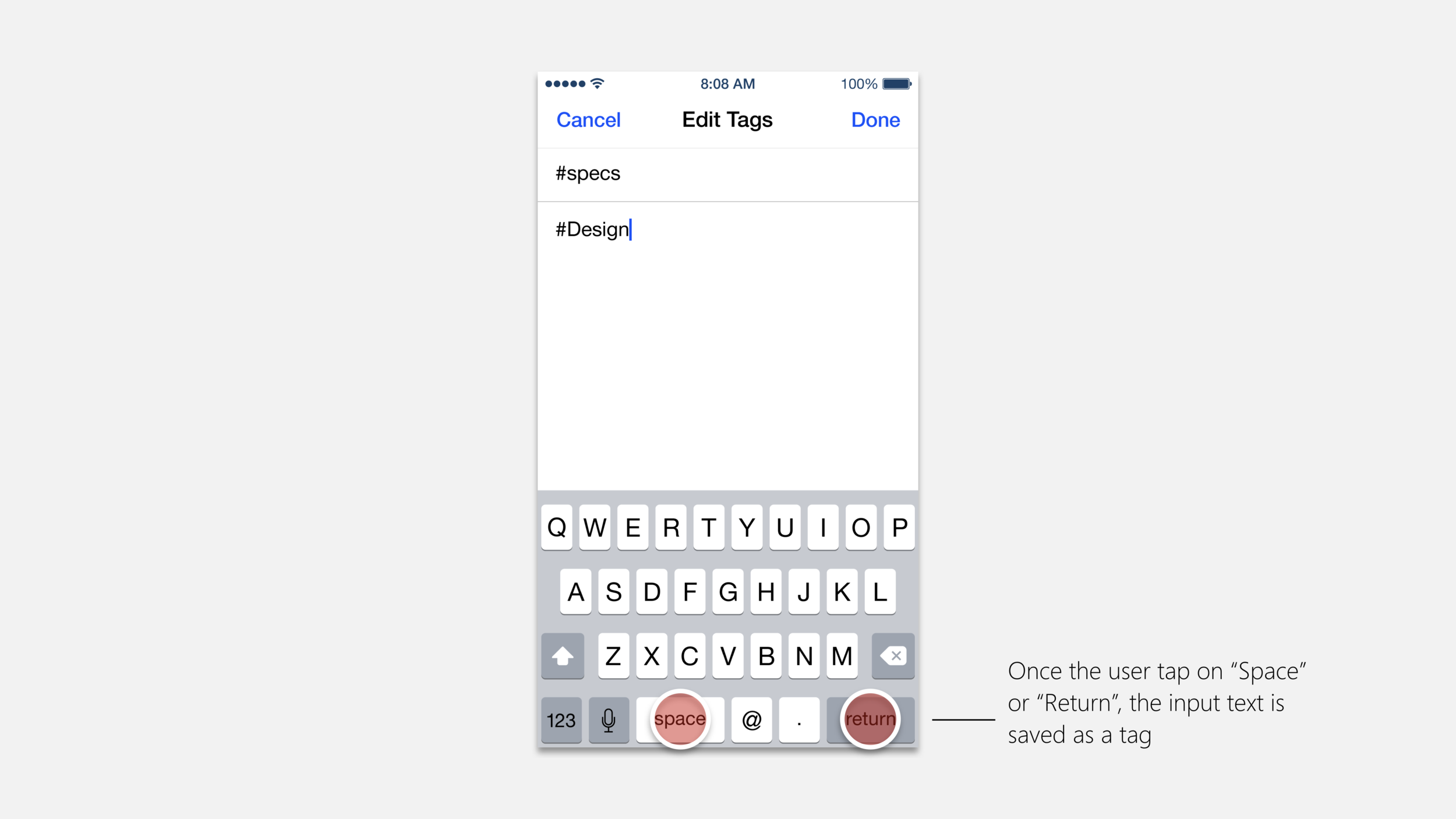
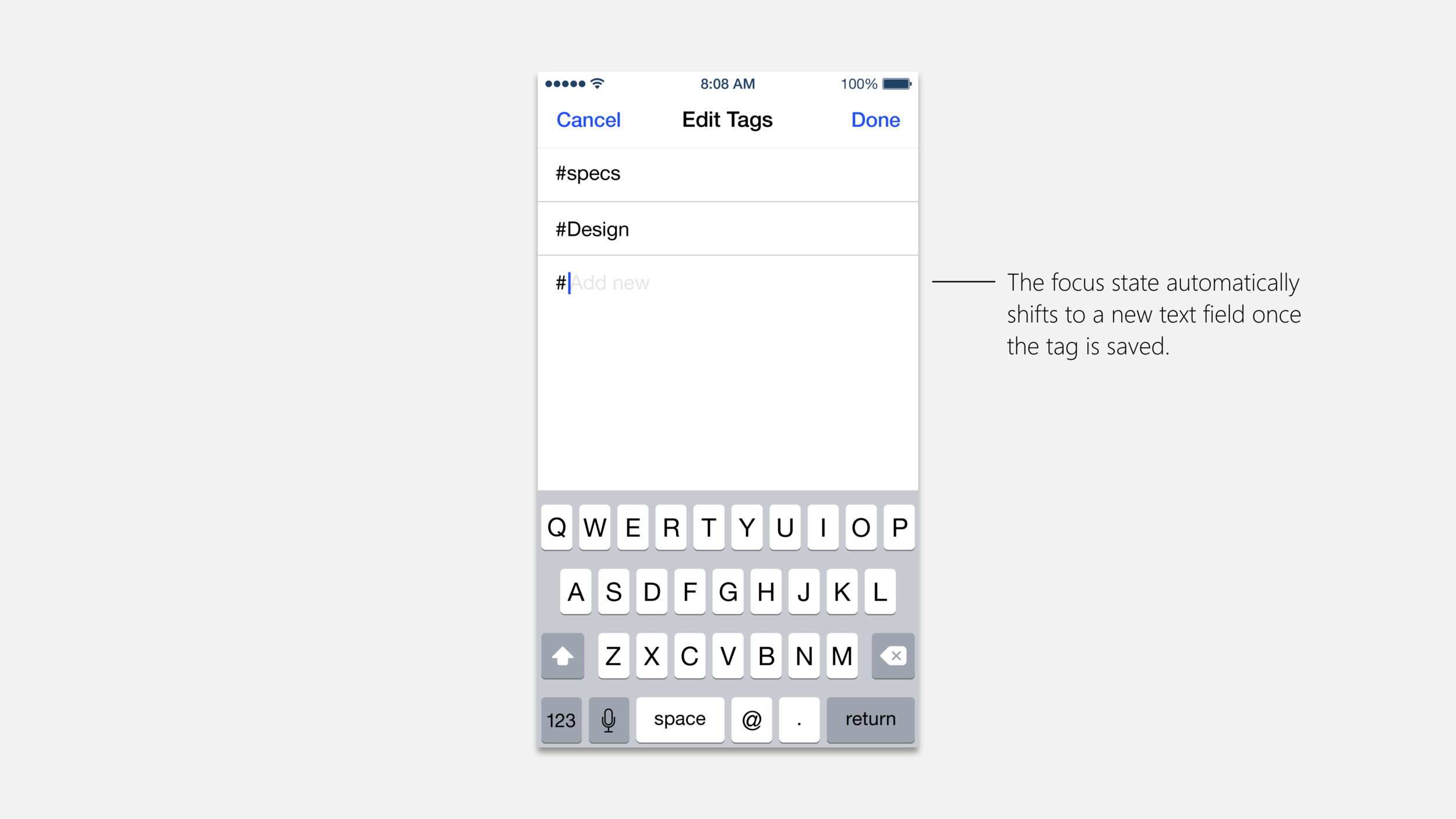
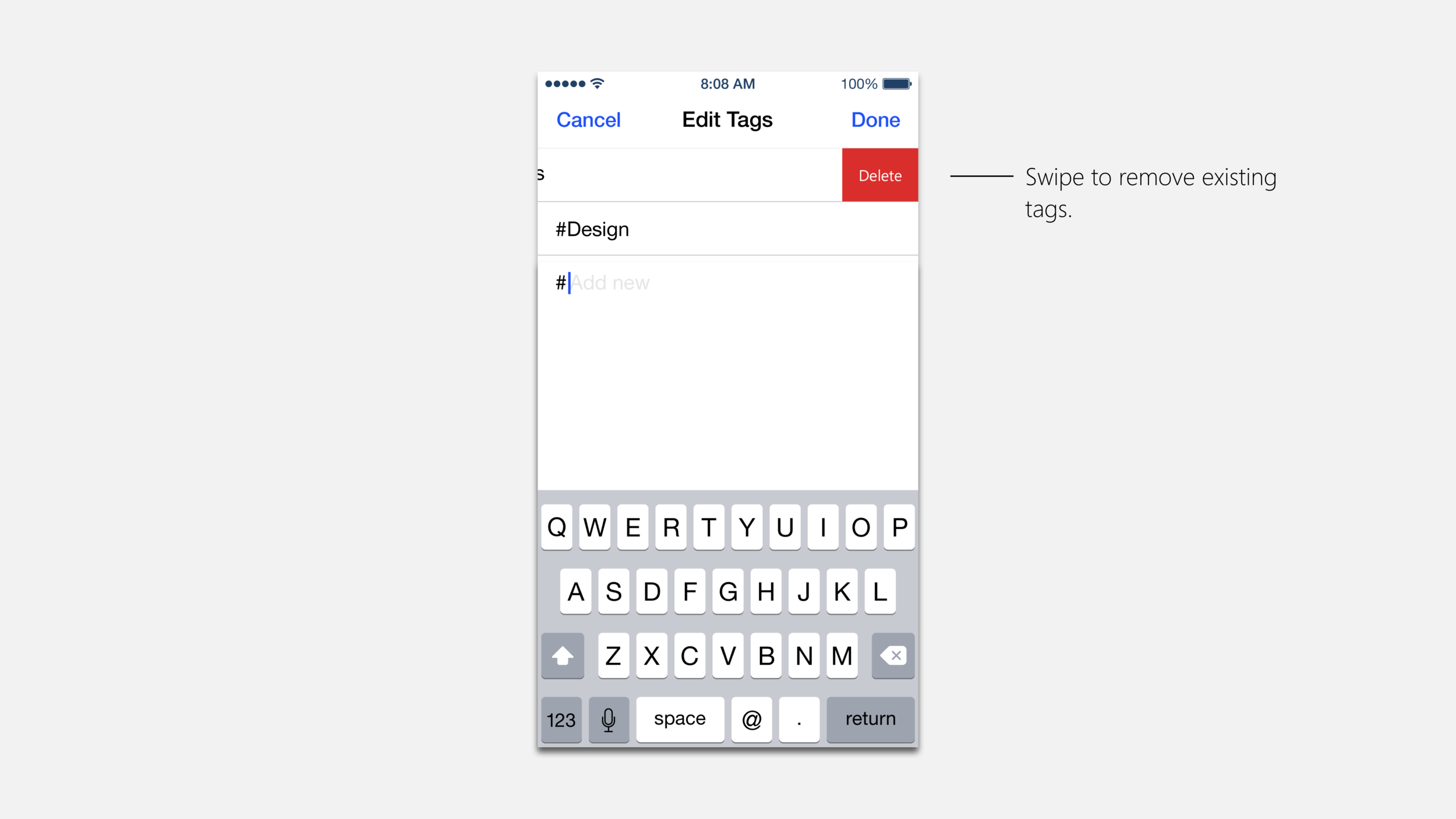
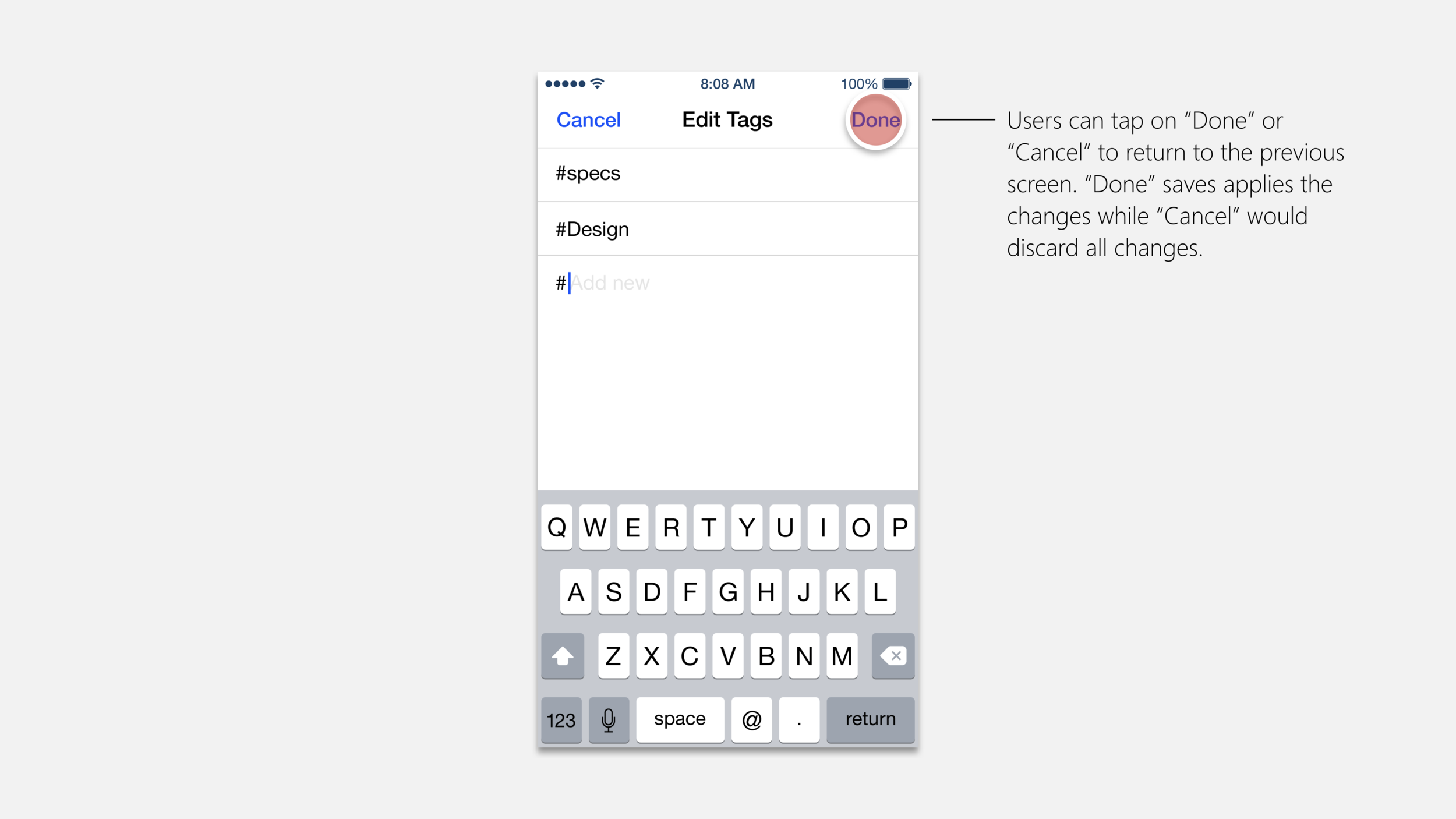
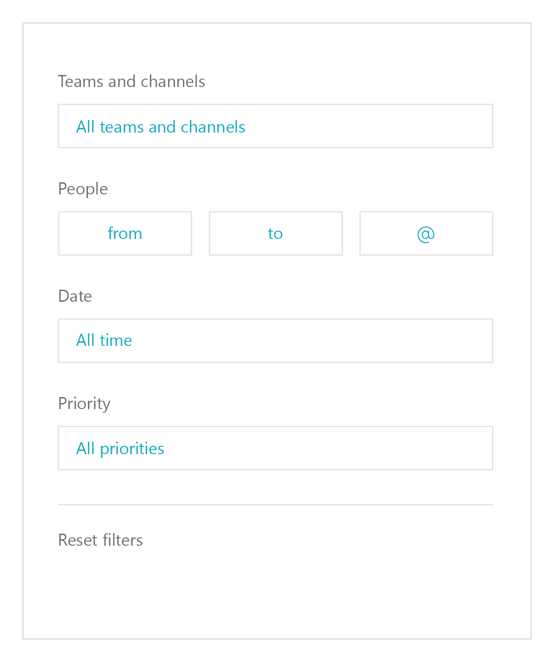
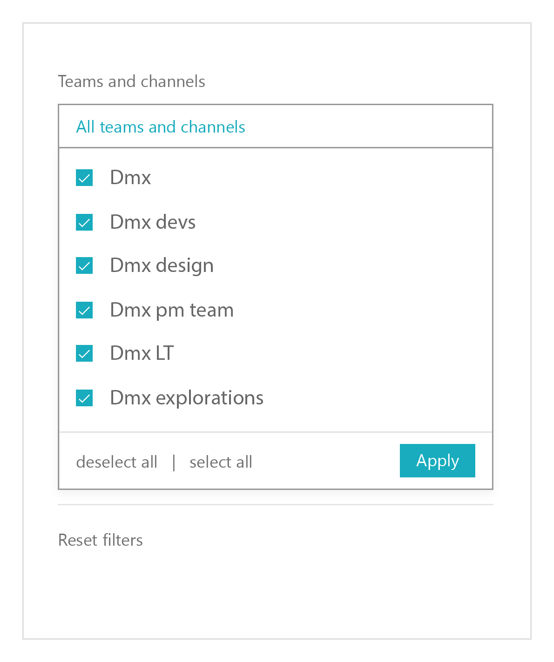
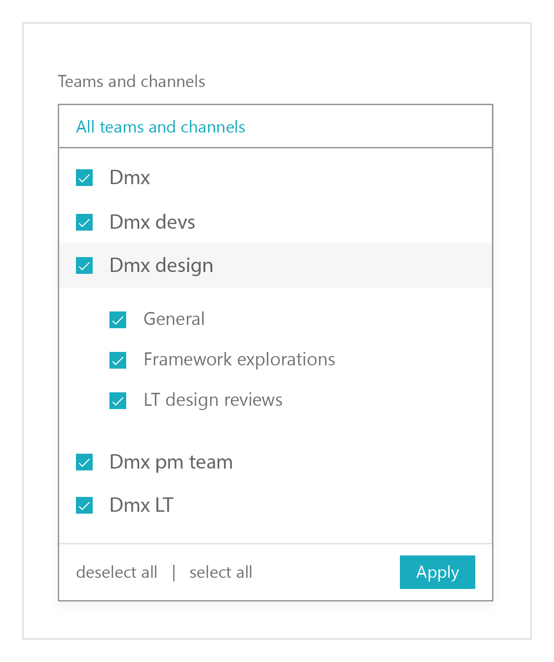
Actions and tags