SIDE PROJECT
2017


Rummage

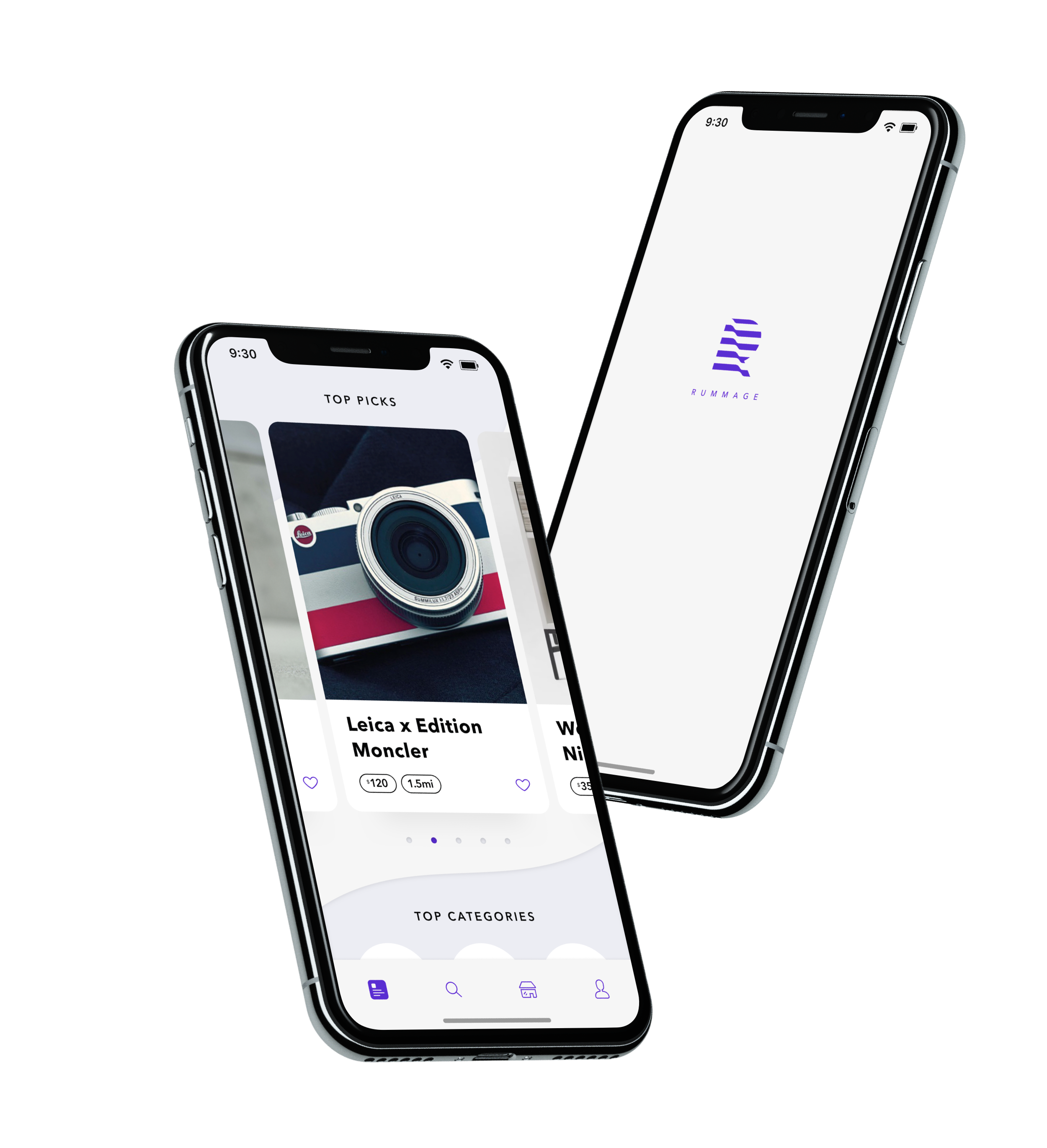
Rummage is a garage sales app that helps connect potential buyers with different sellers in the neighborhood. Users can browse or search for items they are interested, or start a new garage sale event and upload images of items they intend to sell. 


Logo.png
 
 
HeroIPHONE.png


Feeds

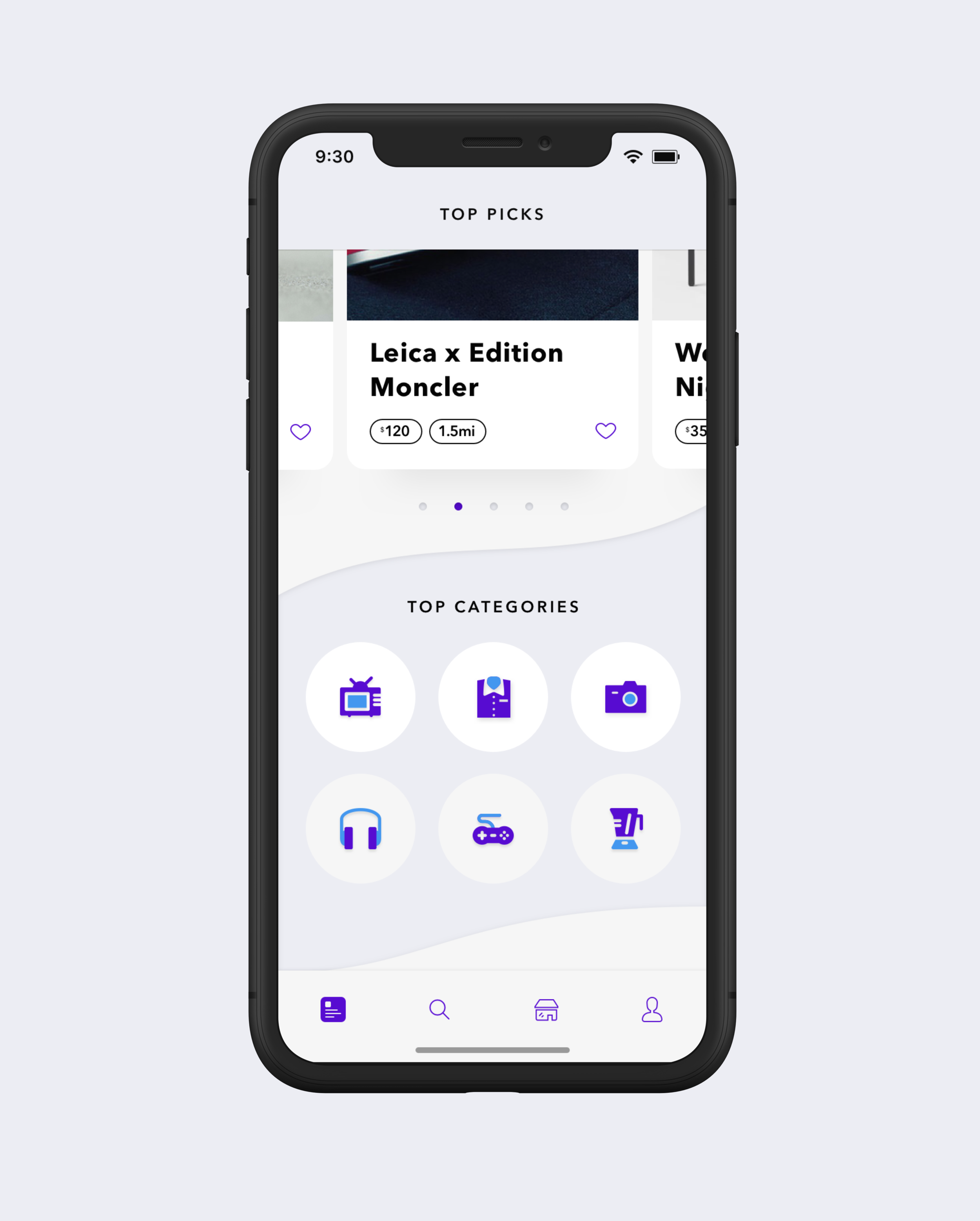
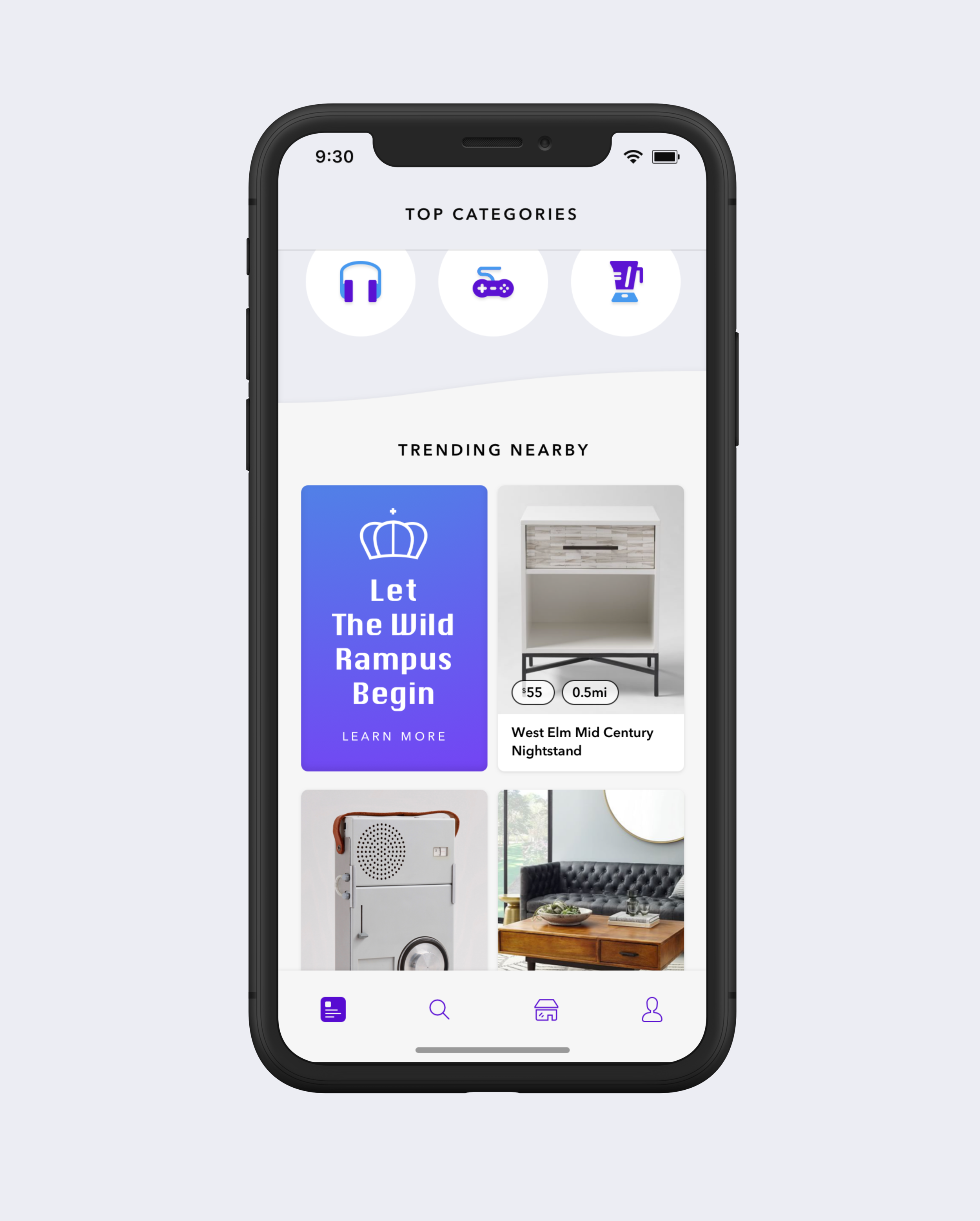
The Feeds tab is also the landing screen of the app. It is constructed out of 3 different sections. "Top Picks", "Top Categories" , and "Trending Nearby". The over idea of the landing experience is to utilize the user's usage of the app, and surf up items that matches the user's interest.


HomeFeedA.png
 
 
1.png
 

Top Picks
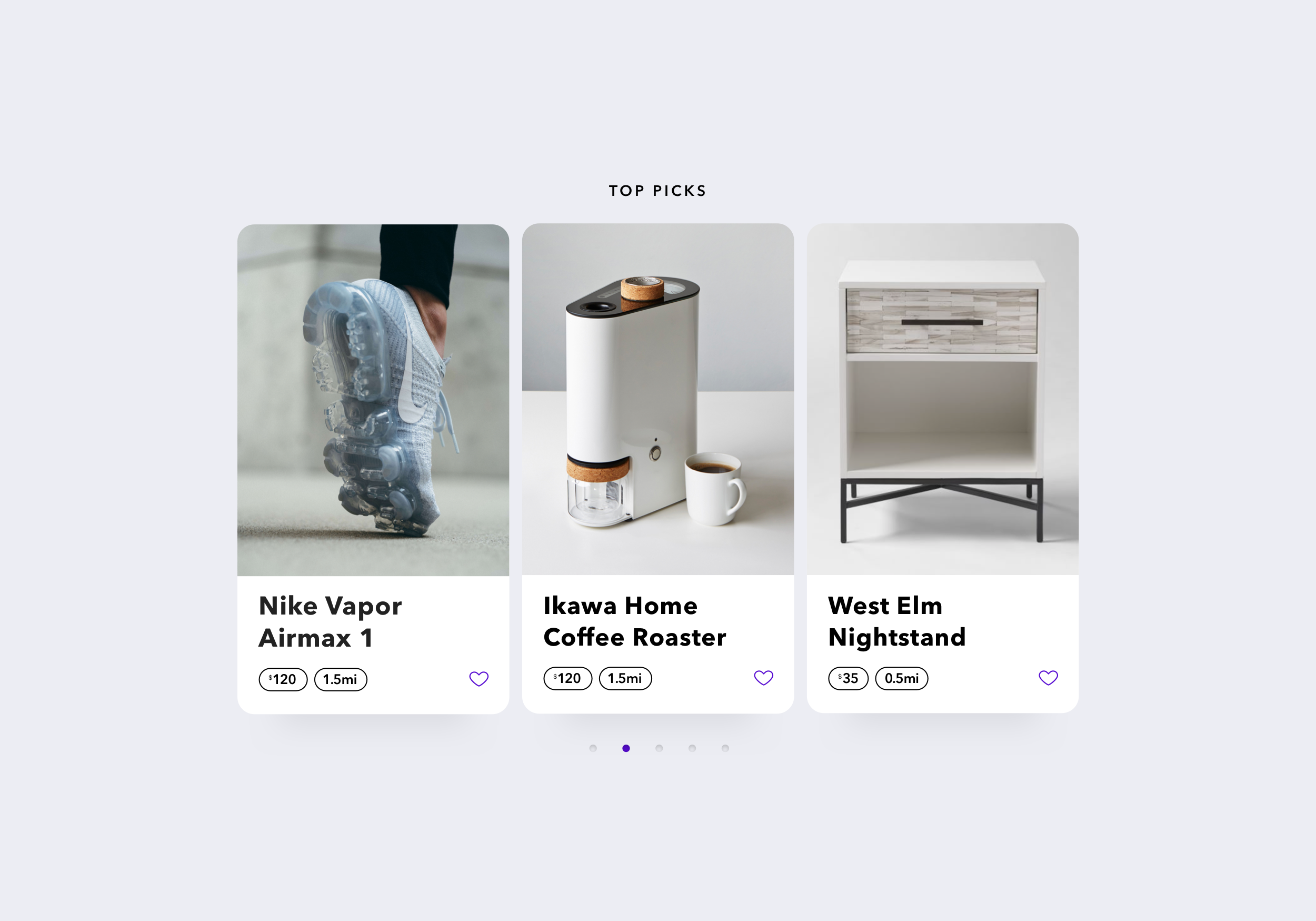
This section features a gallery of recommended items for the users based on their browsing history and usage of the app.


Top Categories
Similar to "Top Picks", these categories are suggested to users based on their interest and browsing history.


Sponsored
The app also provides space for 3rd parties to include a sponsored message or item. These tiles are different in design in order to stand out from the usual garage sale items.


Trending Nearby
This section provides a quick view of what's trending nearby. Users can adjust the area radius considered as "nearby" in the settings screen.


Events

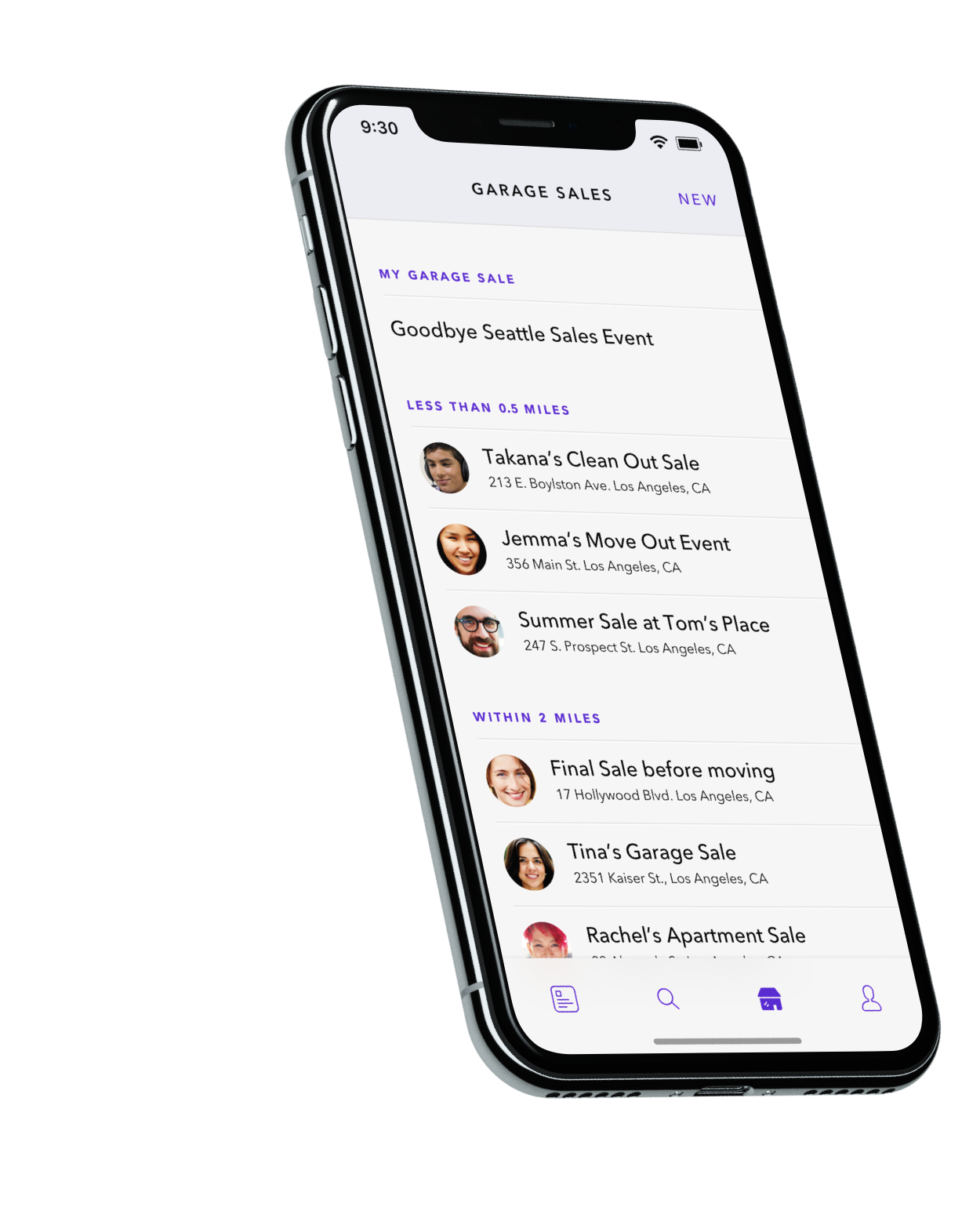
The Events tab includes access to all nearby garage sales in their neighborhood. Users can also use this tab to create a new garage sale event, or access their own sales events.

Events.png


Profile

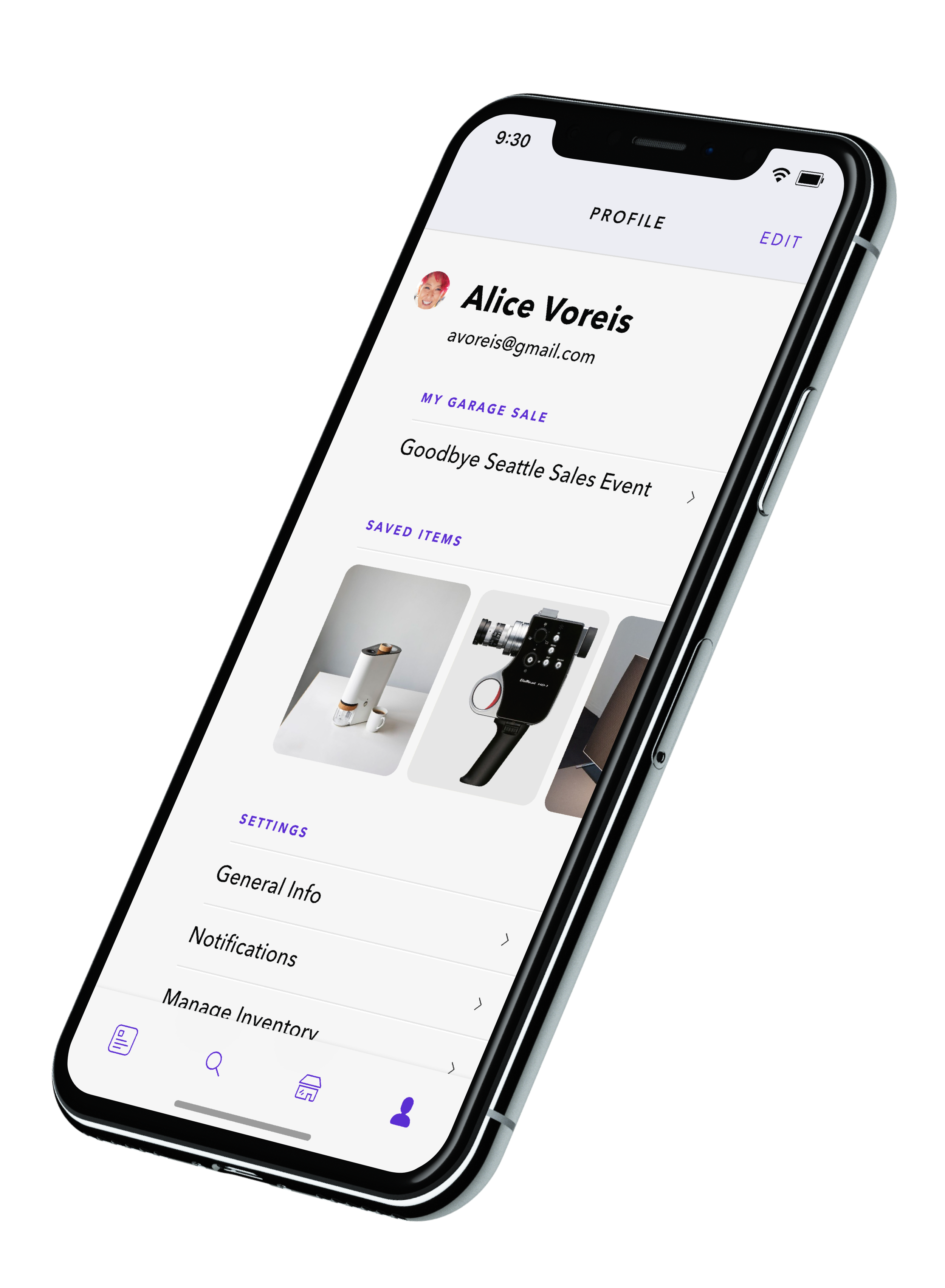
The Profile tab is where users can access and edit their personal profile and settings. The users saved items will also show up in this tab for easy access. 

 
Teams_ImageC.png


EventA.png


Item details
The Item detail page includes a gallery of the item on sale, and other basic information such as condition, distance, price, and short description from the seller. Users can also bookmark to save the item, or contact the seller via the app.


Event details
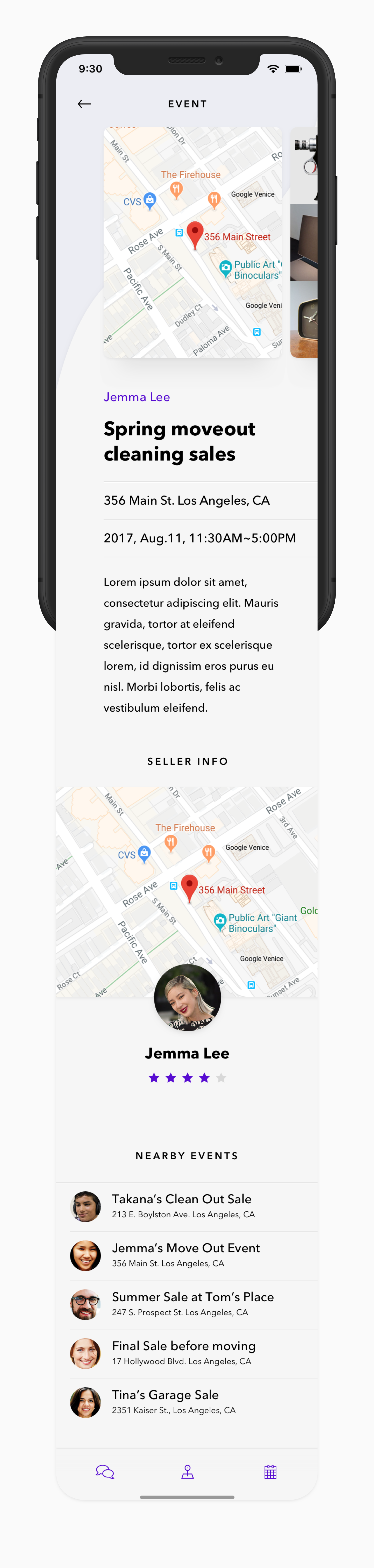
The Event detail page includes all the information of the garage sale event. Users can tap on the map to get directions, add an event reminder to their calendars, contact the event host via the app, and also browse through all the items sold in the event via the gallery.


ItemA.png


Search.png


Search

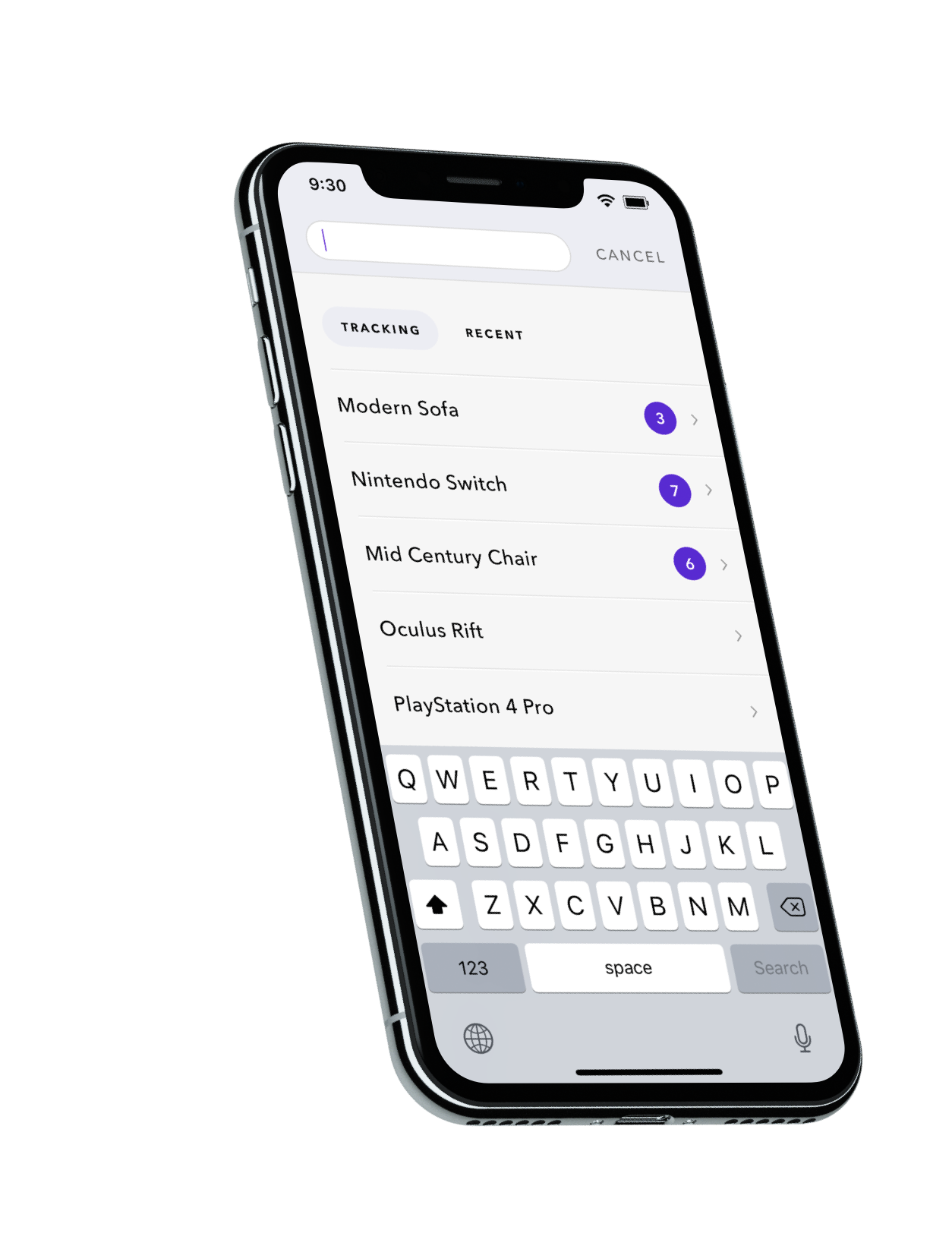
Other then the normal search function that allows users to see recent items they've searched for. The Search features also allows users to track a certain result and get alerted when there are new items included in the result.


Explorations

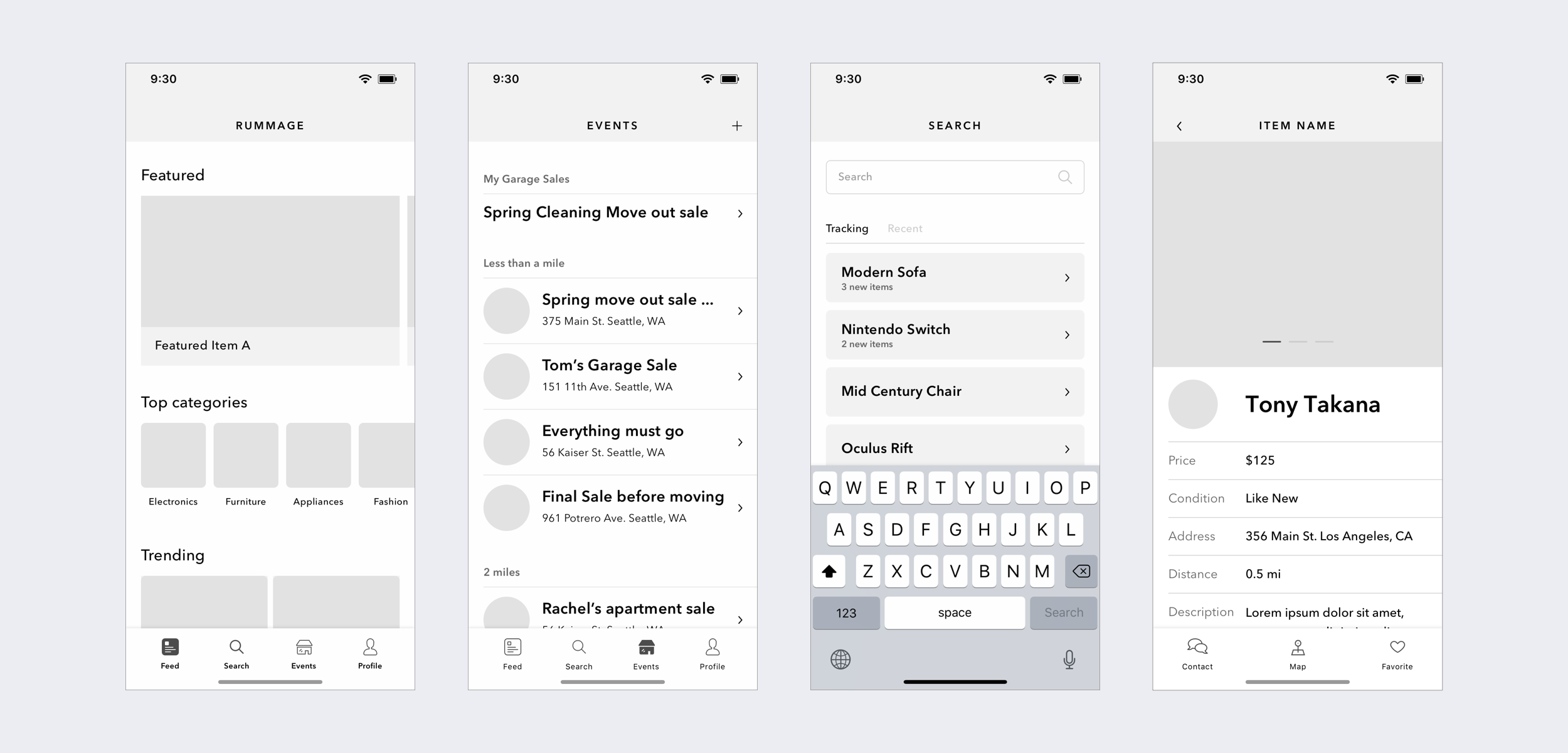
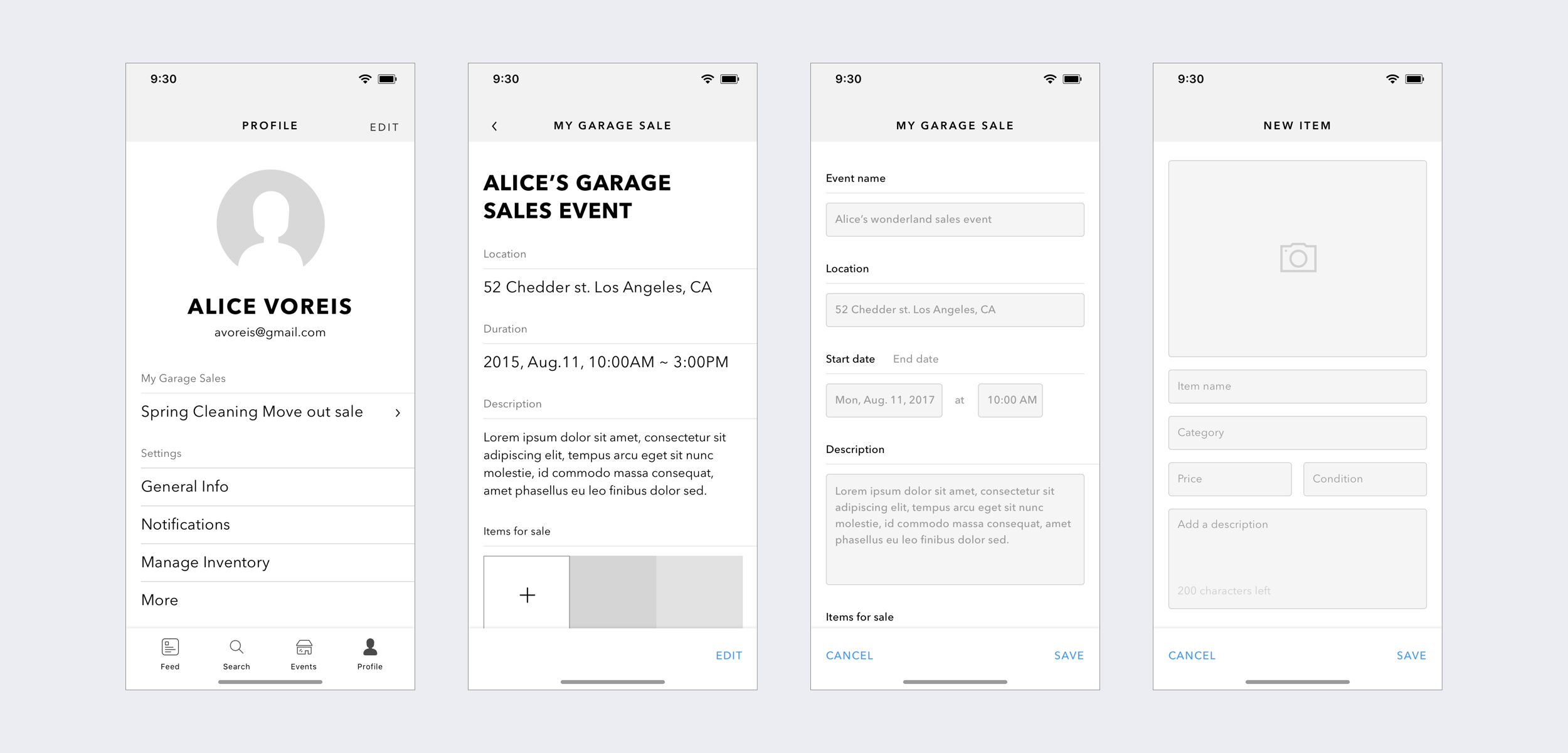
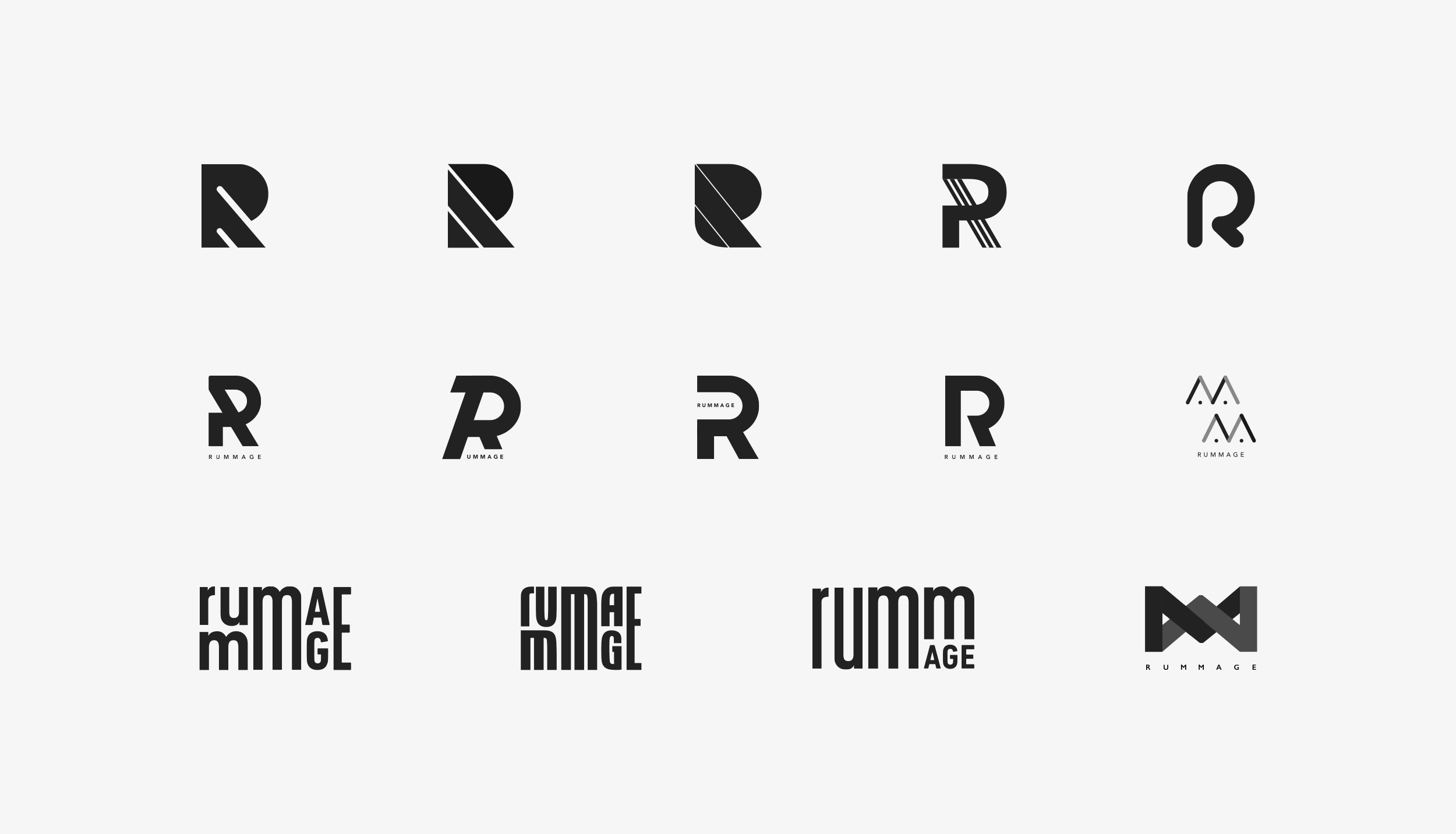
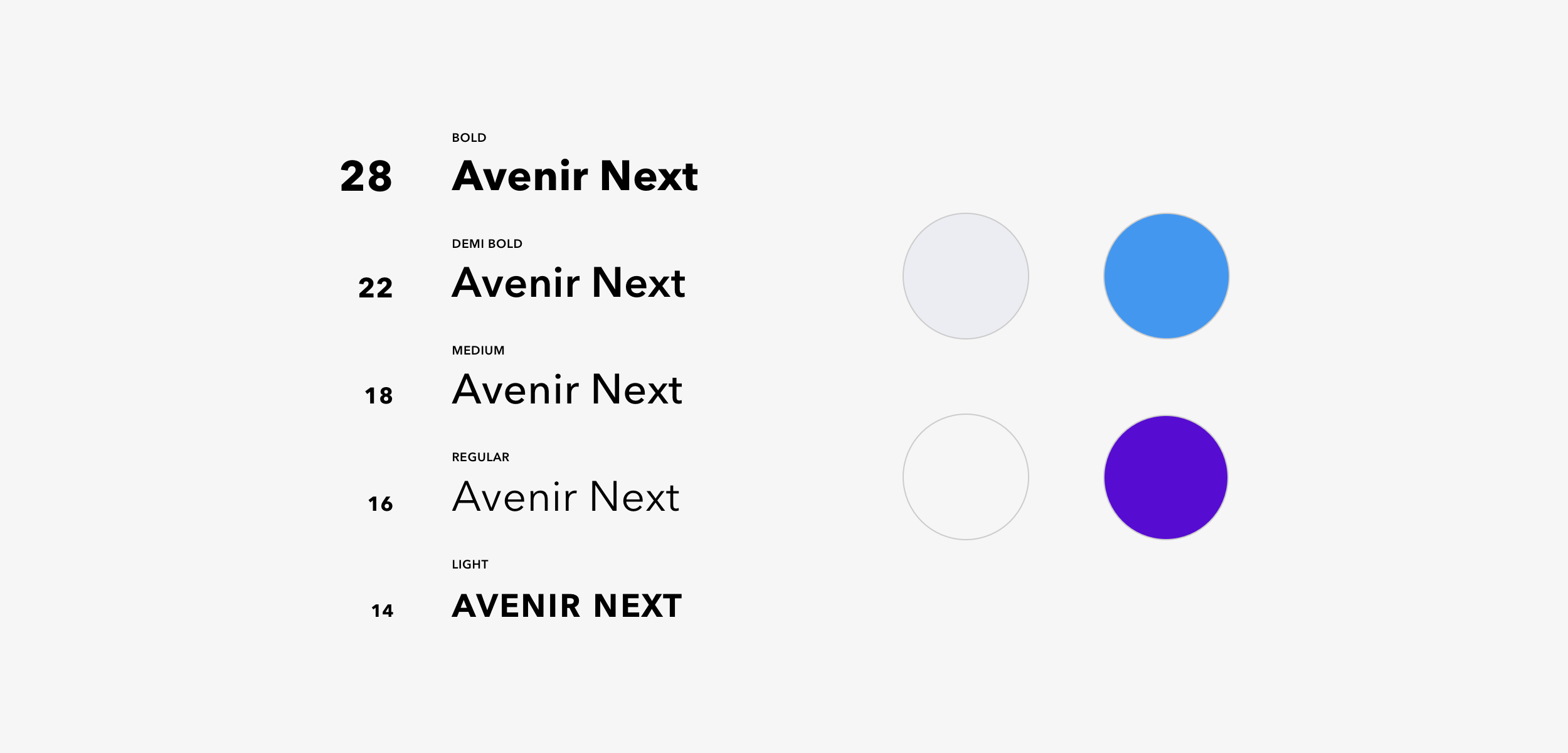
The following are some of the wires and visual explorations that I've created in order to map out the concept of the application. I chose to focus on a few key screen just enough to explore the high level structure, the overall experience, and the visual directions.

 
Wires1.png
Wires2.png

LogoColor.png
LogoBW.png
Logos.png
Visual.png